General (IP)
Settings that apply to the Wired Ethernet (10/100 speed) TCP/IP network connection
to the 10/100 T jack.
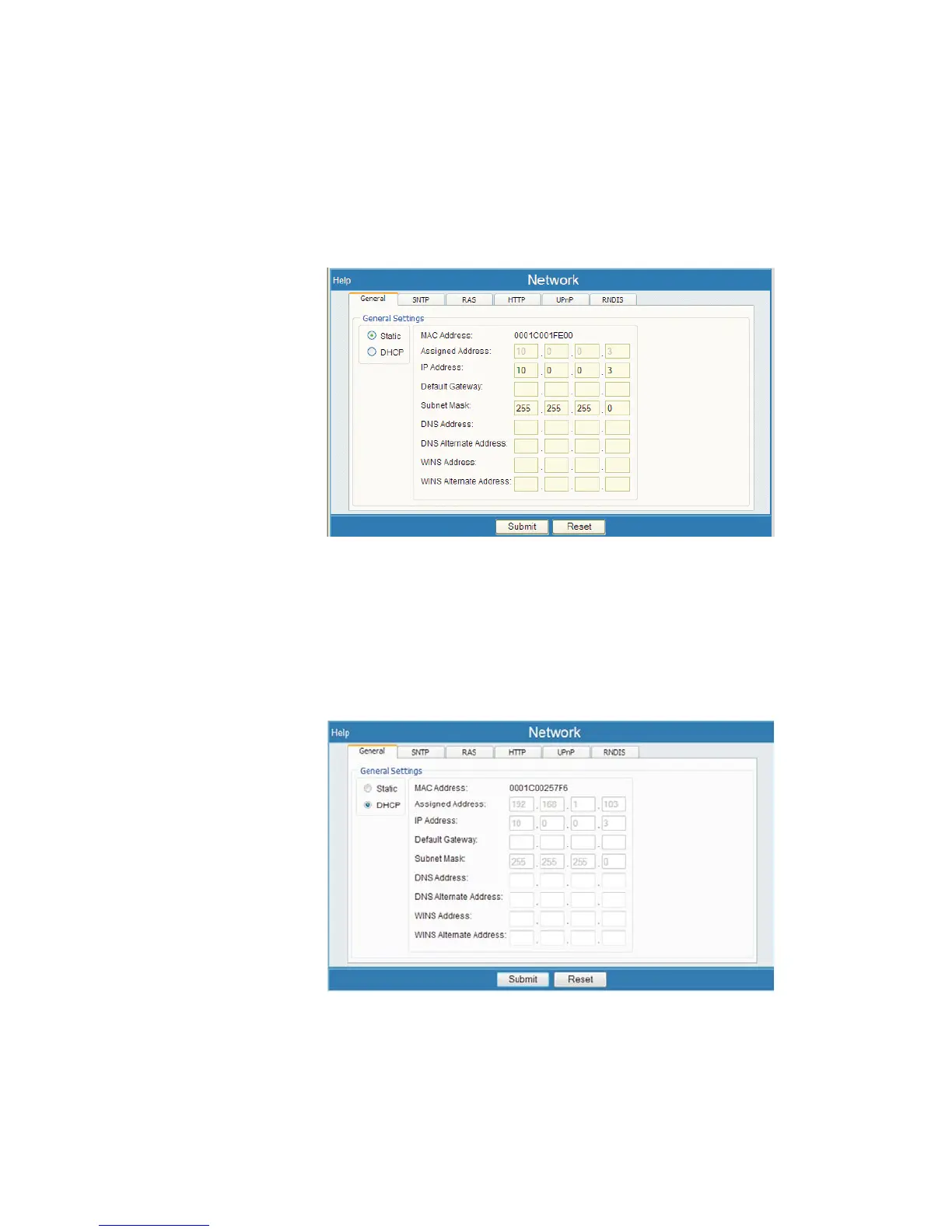
Select Network, then select the General tab. You will see the following options:
Static or DHCP
Select the radio button for either Static or DHCP. Your choice affects the other IP
network settings on this tabbed page.
User’s Manual 107
Network | Static or DHCP Setup
Figure 80 - Network, General tab, Setup Page (Static IP shown)
Figure 81 - Network, General tab, DHCP selection



 To Next Page