The System page content is grouped in the following manner. Each is further de
-
scribed below.
•
General - Name fill-in and Locale selection box
•
Network - Port fill-in, Timeout fill-in, and Max Clients fill-in
•
Radnet - Enable checkbox, Input selection box, Identifier fill-in, Location
fill-in, Multicast Group fill-in (for IP address) and Port fill-in
•
Watchdog - Enable checkbox, and Timeout fill-in
•
Time - Timezone selection box, Daylight Savings Time checkbox, and
Synchronize Time checkbox.
•
Storage - Mode selection window, Format selection window, Store Audit Logs
checkbox, and Media State output display
•
Miscellaneous - read-only display of Serial Number, Driver Version, Firmware
Version and PFGA Version.
General
Name
This defines the System Name for the device. The preset system name is Lynx. This
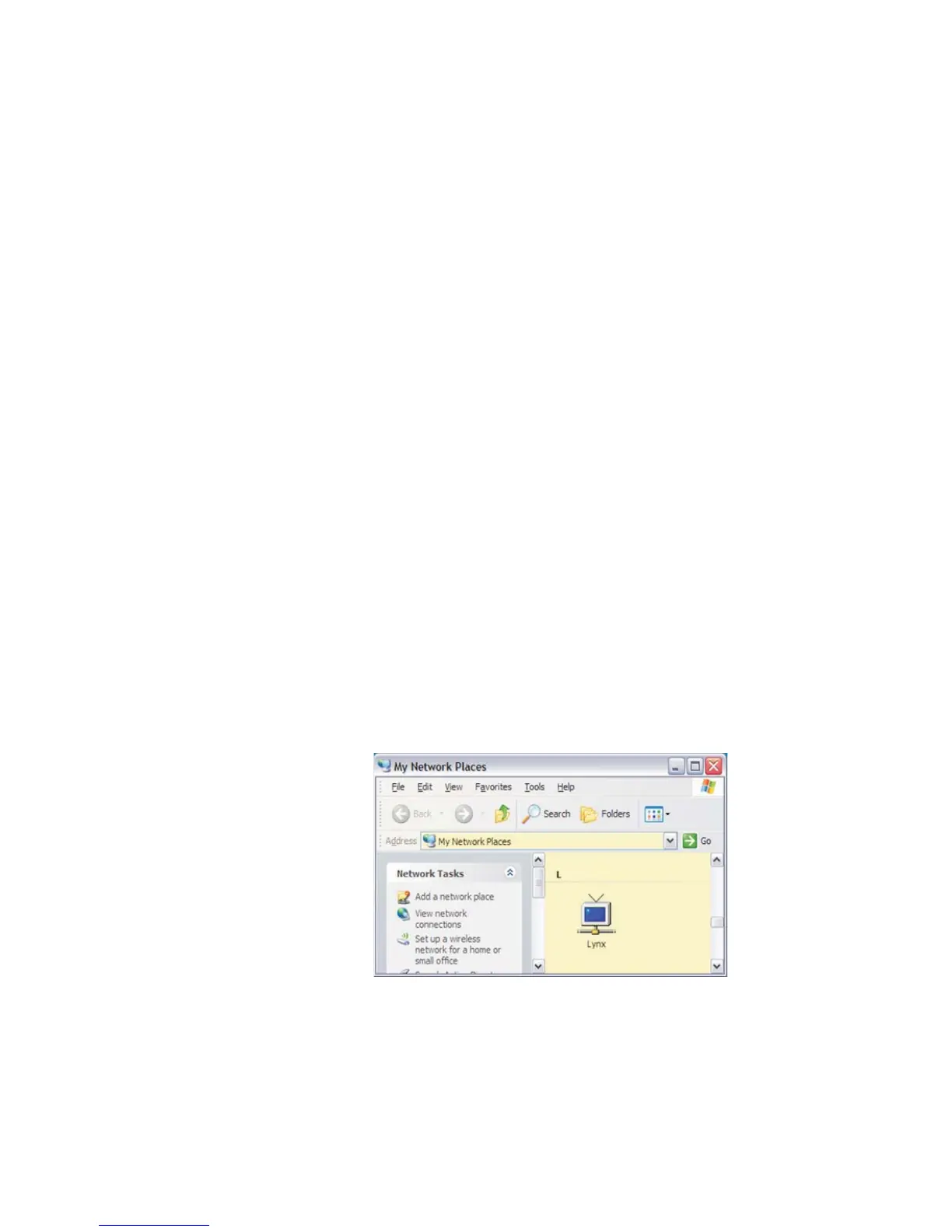
name is used when connecting to Lynx from another computer, such as with a RAS
connection; an example of that connection is shown below.
This parameter identifies the Lynx when using a UPnP browser such as Windows XP's
My Network Places applet. The name is also the network name of the Lynx device.
The network name is also used by DNS and WINS for name-to-address resolution, or
when establishing a connection with an external modem for RAS access.
User’s Manual 123
System | Name Setup
Figure 94 - System Name, as seen in Windows' My Network Places



 To Next Page