Accounts for Users
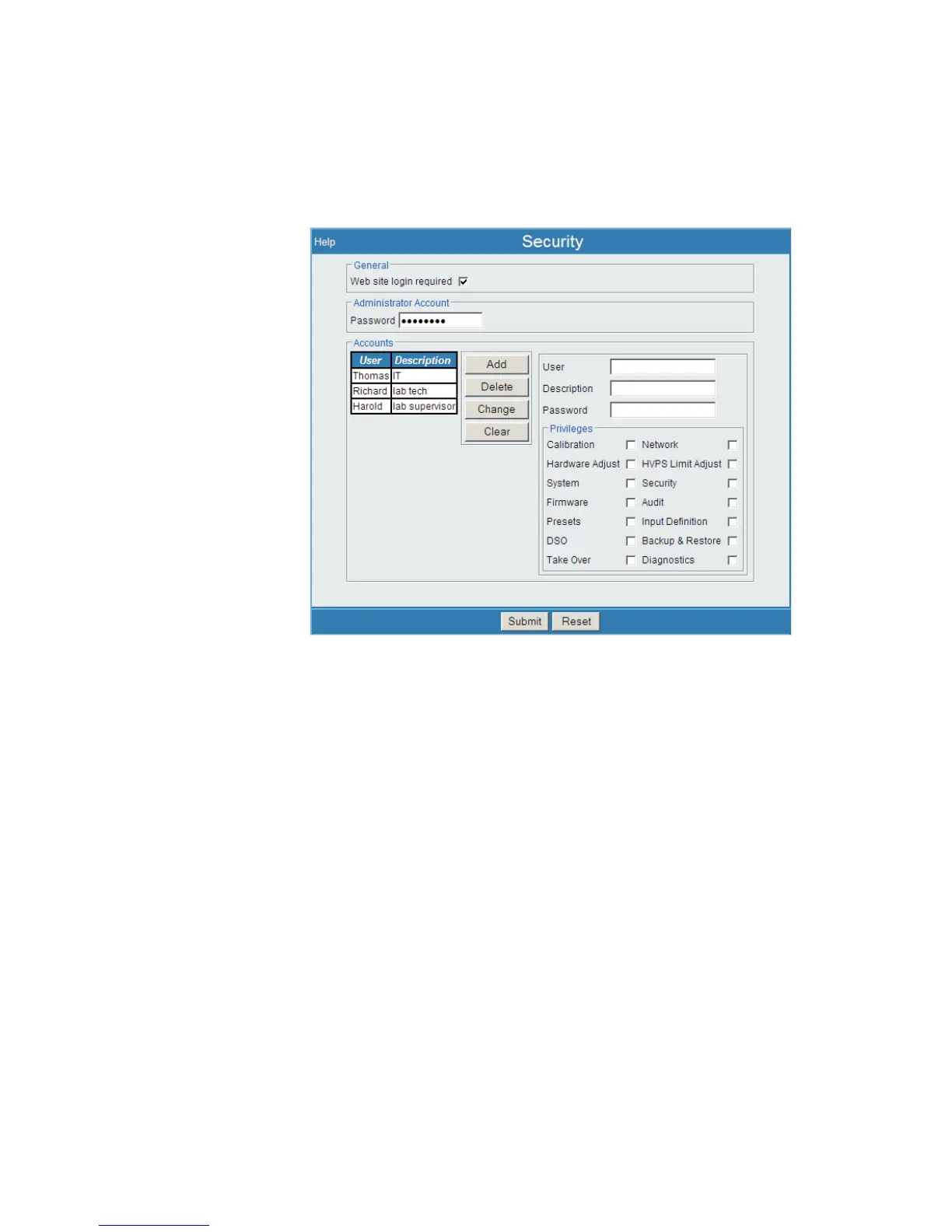
An account for each user of this Lynx is defined here (examples seen in Figure 89).
Each User account consists of the login Name, Password, and checkboxes for privi
-
leges for that login ID.
To begin, enter the User Name, a Description and Password to define a user. A
Name - which is the User's log in name - can contain alphanumerics, spaces and the
underline character, 1-14 characters. Both the name and password are NOT case sensi
-
tive entries. Then, Continue with the following settings.
Note The Password field cannot be blank. A password must be defined.
A User's name is associated with their settings and options for an Input, and is associ
-
ated with their acquisition reports and the log file. When running an acquisition, a
User has ownership of an Input; that alerts others in a shared environment that some
-
one is already using a particular Input; that ownership may be overridden (take over) if
necessary.
When logged in to Lynx, a User is granted access to the Lynx Menu, and to a certain
portion of the menu options. These privileges are discussed in the following sections.
User’s Manual 117
Security | Administrator Account Setup
Figure 89 - Security Setup Page, showing three assigned Users



 To Next Page