General
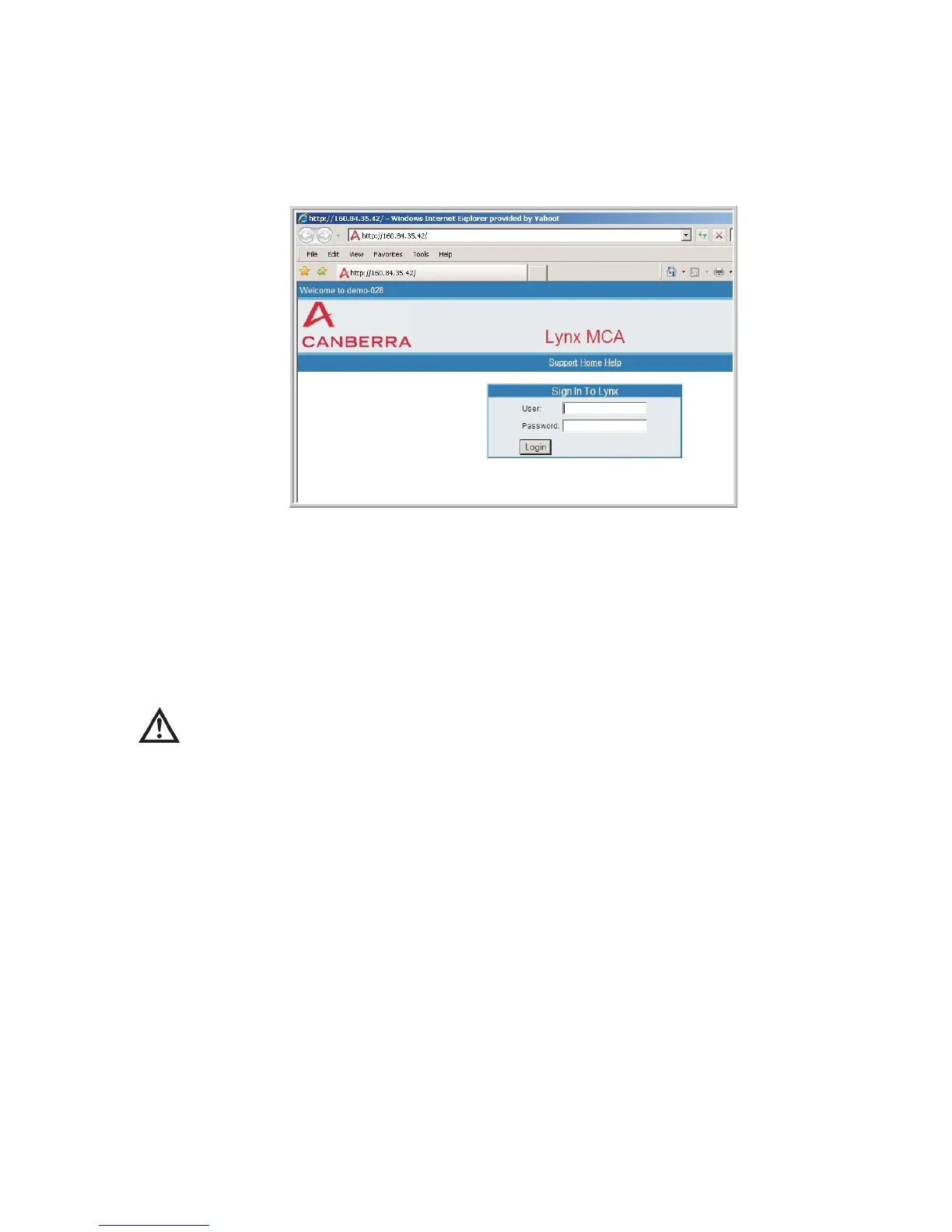
Enables or Disables the Log In page for all Lynx users accessing the system via
browser. By default, Web Site Login is required for all users of this Lynx.
Uncheck the Web site login required box to allow full unrestricted access to the Lynx
system and all settings. All users will bypass the Login Page and go directly to the
Lynx menu upon connecting with the Lynx system.
CAUTION
If Web Site Login Required is not 'checked', then anyone -
including unauthorized personnel - can access the Lynx. Log
in / log out is bypassed entirely.
Administrator Account
This field assigns or modifies the Password used for the Administrator account. To
change the password, type in the new password into the text box.
The Administrator of this Lynx must use the password defined here to change its
Setup Parameters and Settings.
Note
The Password field cannot be blank. A password must be defined. The
password is not case sensitive, and can be alphanumeric characters, plus a
space or an underbar character.
You cannot delete the Administrator account, or change its settings for full system
access. Otherwise, Administrator is just like any other User.
Chapter 4 - Web-based Operation Security
116 Lynx™ Digital Signal Analyzer
Figure 88 - Webpage showing Login Screen



 To Next Page