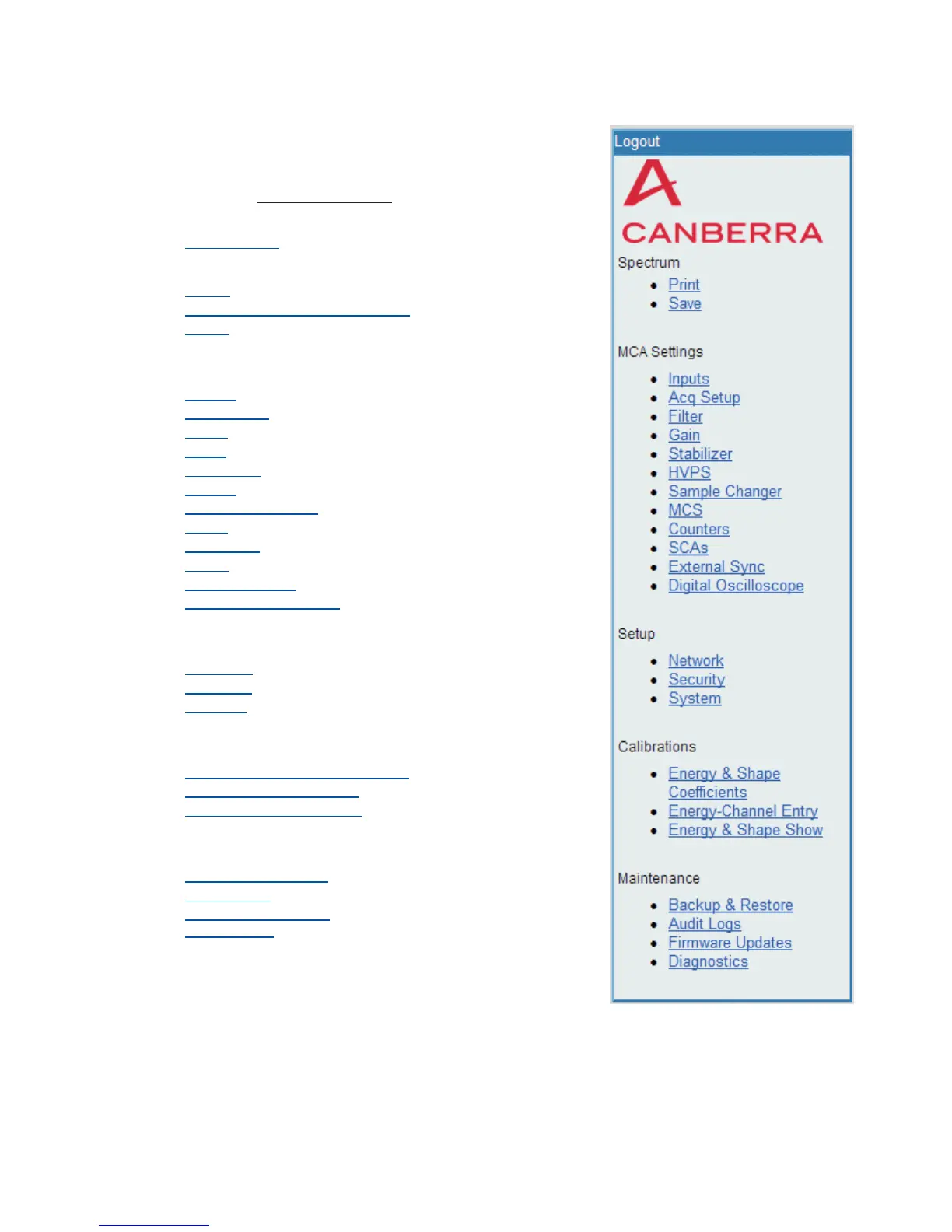
The Lynx Navigation Menu
Selecting the CANBERRA icon in the
menu links you to the Canberra website
(www.canberra.com
).
•
Logout (link)
Spectrum
•
Print
•
Display Prefs (not listed here)
•
Save
MCA Settings
•
Inputs
•
Acq Setup
•
Filter
•
Gain
•
Stabilizer
•
HVPS
•
Sample Changer
•
MCS
•
Counters
•
SCAs
•
External Sync
• Digital Oscilloscope
Setup
•
Network
•
Security
•
System
Calibrations
•
Energy & Shape Coefficients
•
Energy-Channel Entry
•
Energy & Shape Show
Maintenance
•
Backup & Restore
•
Audit Logs
•
Firmware Updates
•
Diagnostics
This figure shows the full Menu as seen
when using Internet Explorer.
Depending on the Browser you use, the
Lynx Menu's Display Preferences may
be shown as a menu option, or may be an
inherent function of the browser's display.
User’s Manual 71
The Lynx Navigation Menu | Calibration tab Menu Features
Figure 58 - Lynx Menu (Navigator pane)



 To Next Page