10.
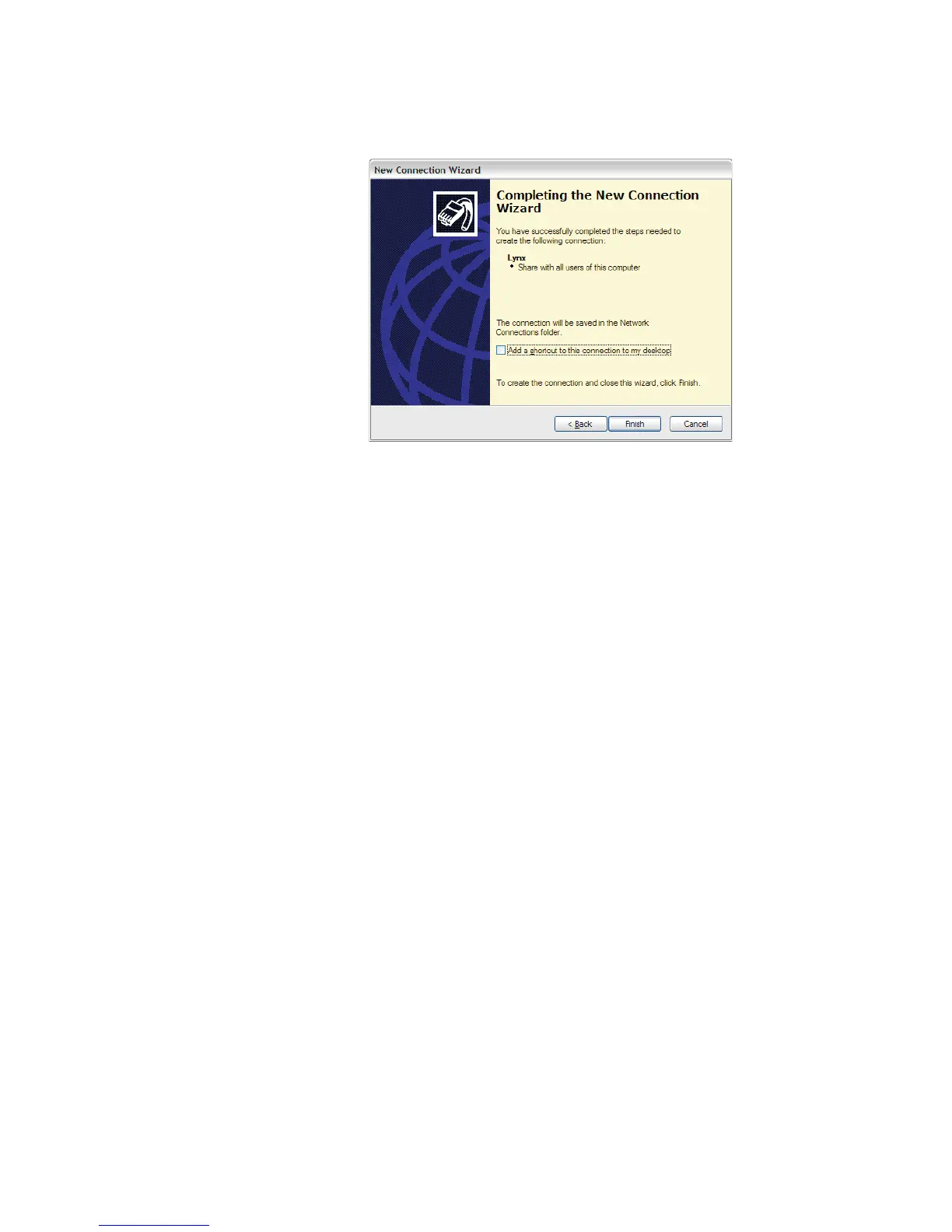
Click Finish to exit the Connection Wizard.
The setup for Lynx connection for a Modem via RS-232 should now be complete.
To connect with the Lynx, a dial-up connection using your external modem is used.
Modem (RS-232) Configuration
Ensure that you have your External Modem connected to the RS-232 port on the rear
of the Lynx unit, and that you have your telephone line connection in place.
Your modem parameters must match those of the Lynx settings for RS-232. Use these
steps to configure your Modem appropriately.
Note Your specific modem parameters may vary slightly, depending on your
Make and Model. Consult your modem's documentation for details.
11.
The Connect page, as seen in Figure 135, should be open after finishing the
Wizard.
User’s Manual 183
RS-232 Connections
Figure 134 - Finish RAS Setup for Modem



 To Next Page