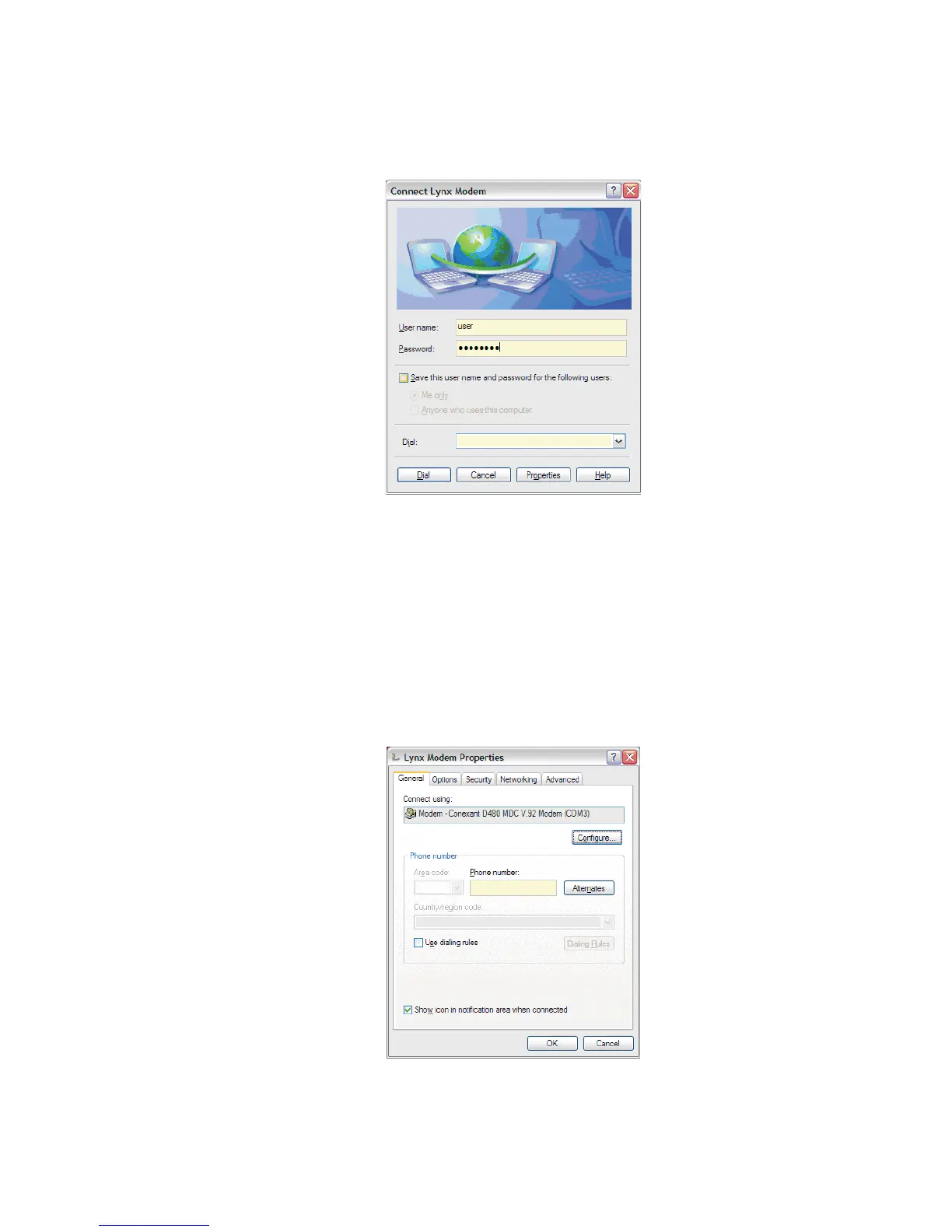
To connect to the modem, type user in the User Name field and password
in the Password field, then click Dial.
Reminder If necessary, these default Lynx settings may be changed at
Lynx Menu | Network | RAS tab | Accounts section, as the
User Name and Password entries.
12.
Press the Properties button to select the modem. The Lynx Modem
Properties window will open, as seen in Figure 136.
Appendix B - Communications Setup
184 Lynx™ Digital Signal Analyzer
Figure 135 - Connect to Lynx via Modem
Figure 136 - Modem Properties with RAS setup



 To Next Page