13.
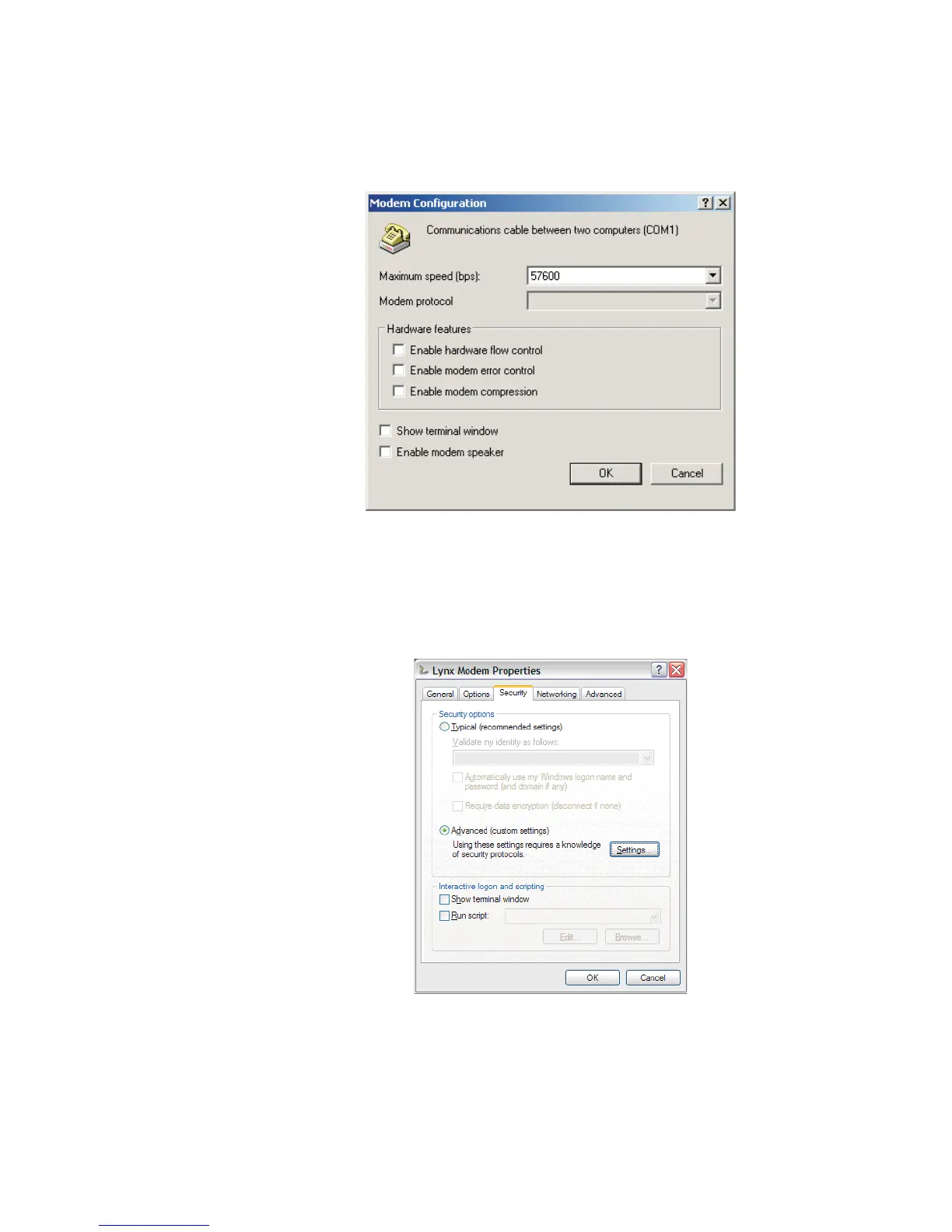
From the General tab, press Configure... and set the Modem options. Click
OK to continue.
14.
Select the Security tab to setup security.
Set up your modem security options as desired. When done, click OK.
User’s Manual 185
RS-232 Connections
Figure 137 - Set your Modem Configuration options
Figure 138 - Security Settings tab on Modem Properties



 To Next Page