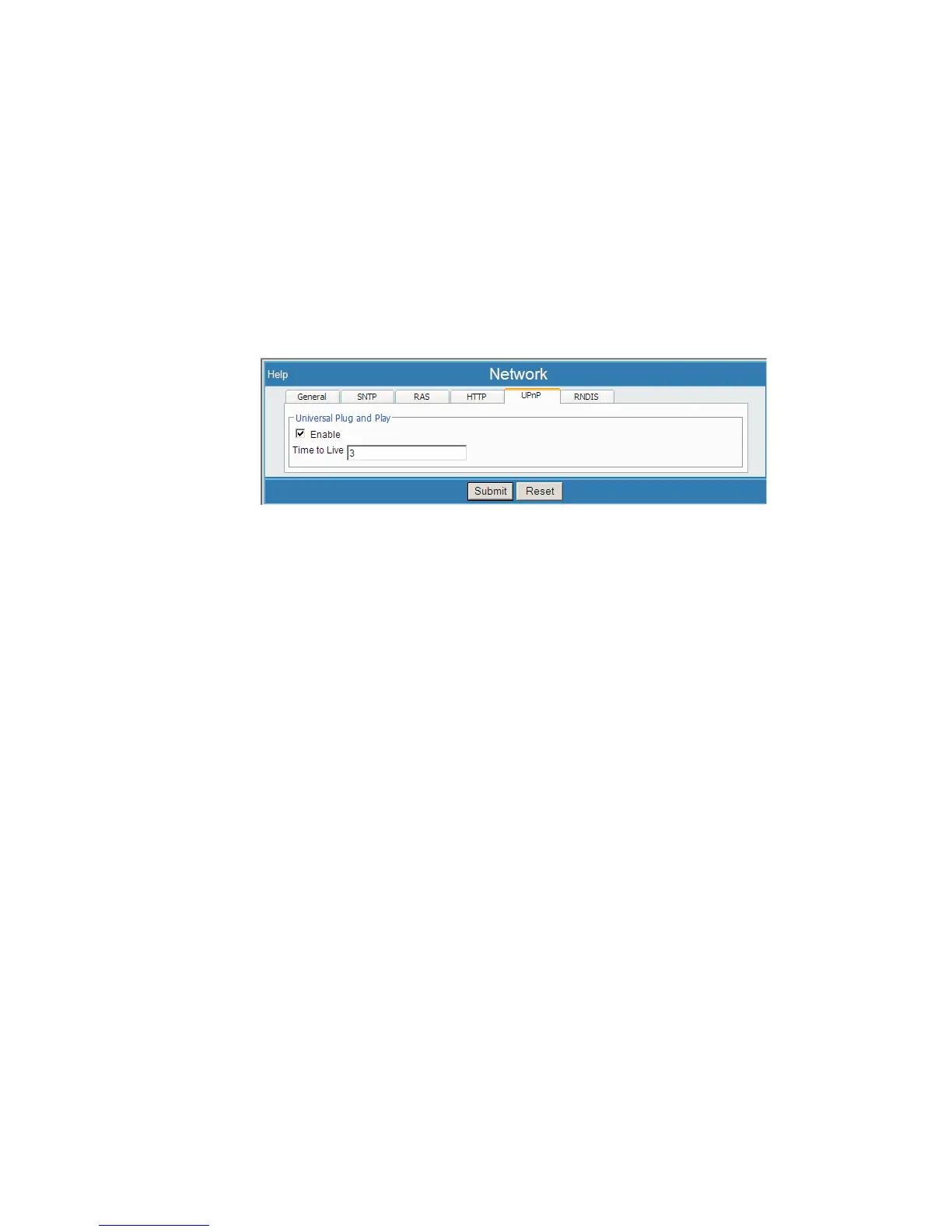
The following features or controls are inherent with the Lynx Menu interface. The first
three buttons/links are important while the others operate in the background.
Submit
A Submit button is used to save any changes made on that page. After making any
parameter changes on a page that you wish to keep, press Submit and wait for the
progress bar to run out in order to save your data to the Lynx system. Invalid data,
marked by highlights, must be corrected before Lynx will allow the entries to be
saved.
Reset
A Reset button is provided for each parameter entry page, to discard all unsaved
changes made on that page.
Help
Context-sensitive Help is provided at each Menu step and entry. Select the Help
link and a new web help page opens with relevant information about the features and
operations on the webpage you are viewing.
Logout
Once logged into the Lynx, the Menu offers a Logout link on the menu. Press this link
to exit from your connection with the Lynx at any time. Logout does not affect your
acquisition in process or your saved setup. You may return to that acquisition in pro
-
cess at any time by logging in again.
Logout will also occur if you 'hang up' your modem connection or simply 'close your
browser'. These 'abandoned' connections will time out within about 10 minutes. If you
try to reconnect, you may receive an alert message when logging in that you are al
-
ready connected.
The Logout link on the menu will not be provided if 'Web Log In' is disabled, a sys
-
tem-wide option. Simply close your browser connection to exit the Lynx.
Chapter 4 - Web-based Operation The Lynx Navigation Menu
72 Lynx™ Digital Signal Analyzer
Figure 59 - Example of a Page, showing Help, Submit and Reset



 To Next Page