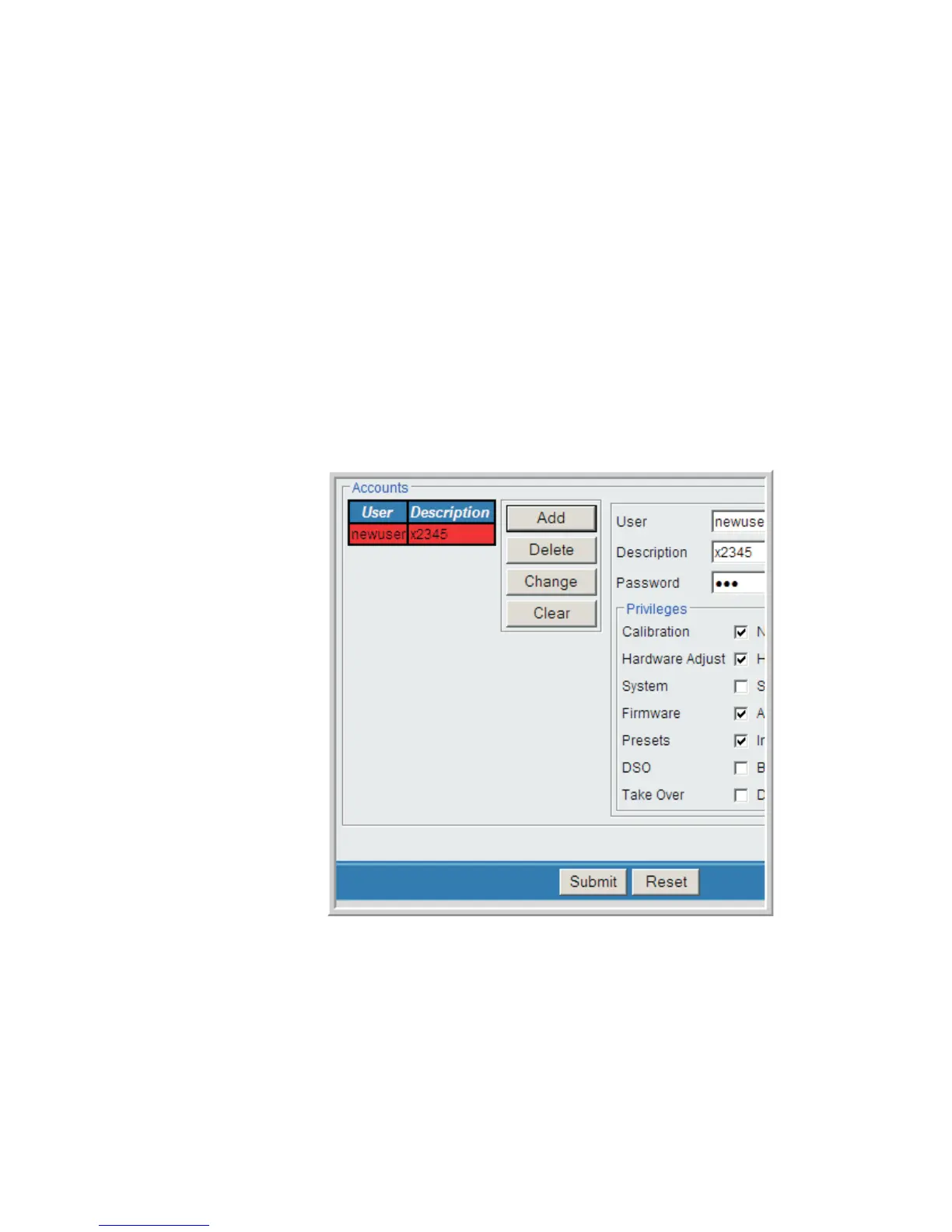
Example: Add a User
This is an example of the steps used to Add a new User to the Lynx.
You, the Administrator or other authorized user having Security privileges selects
the Security option from the Menu.
You will see the following in the setup region:
1. Fill in the appropriate User name, Description, and Password. Select the
checkboxes for privileges this new user is to have.
2.
When selection is complete, select the Add button.
The new user information appears in red under the User / Description column.
User’s Manual 121
Security | Diagnostics Setup
Figure 91 - New User is Added, shown in Red



 To Next Page