The MID Wizard
The use the MID Wizard to help you set up simple Input Definitions quickly and eas
-
ily. It allows you to create a MID definition in a few very simplified steps.
However, if your Input Definition is more complex than the MID Wizard was de
-
signed to handle, you'll have to create your definition in the MID Editor, which is cov
-
ered in detail starting on page 26.
To use the MID Wizard, open the Genie 2000 folder and select the MID Wizard icon
to start the definition process.
Note
The Wizard does not support The InSpector 2000 Simulator.
Using the Wizard
To use the MID Wizard, open the Genie 2000 folder and select the MID Wizard icon
to see the Step 1 screen.
Note The screens shown here are examples only; the screens you see may vary,
depending on the MCA type you specify.
Select the MCA
1.
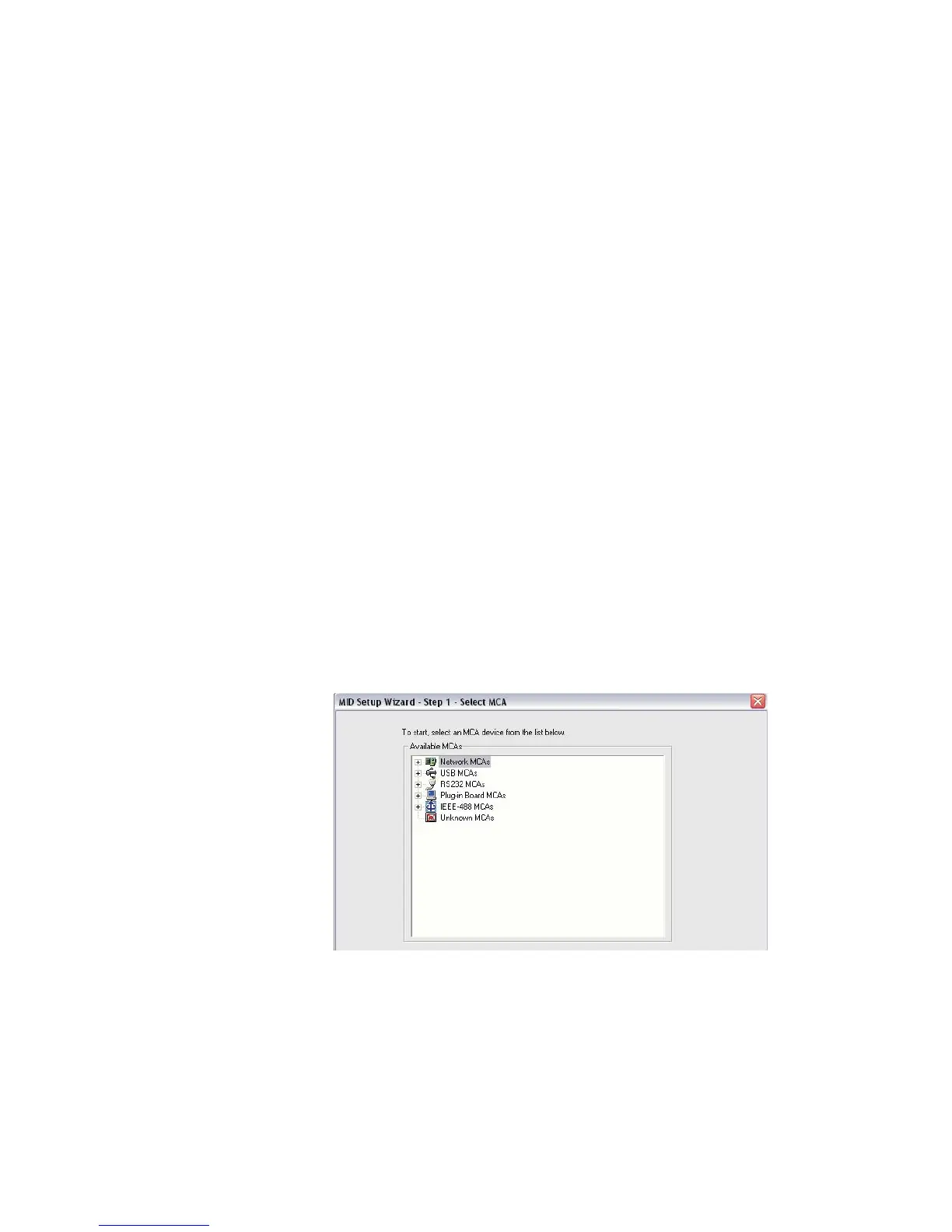
MID Wizard Step 1 is to Select the MCA.
The first screen of the MID Wizard lets you select the MCA you're creating the defini
-
tion for.
The MID Wizard
User’s Manual 49
Figure 41 - MID Wizard, Select the MCA



 To Next Page