MCA
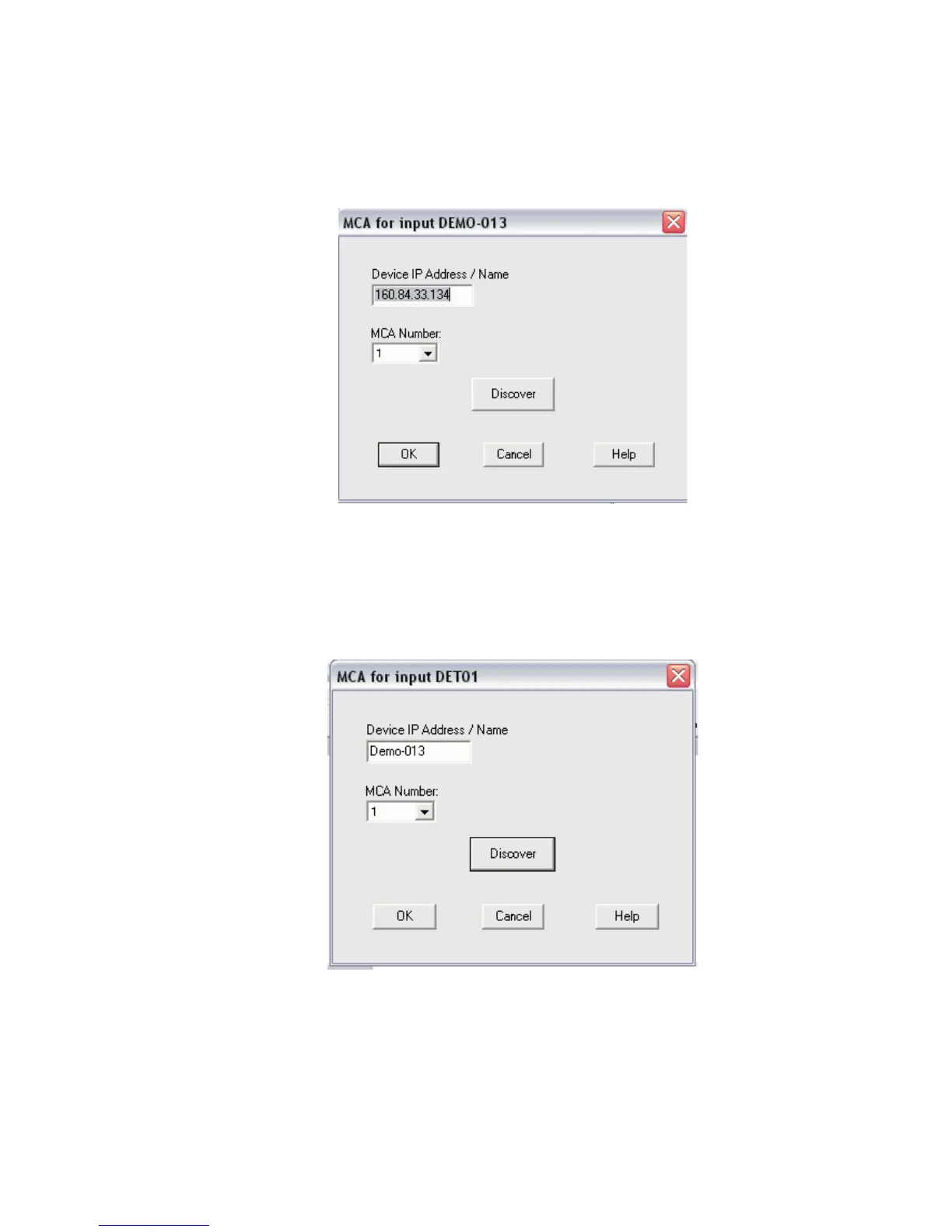
Selecting the MCA command in the Devices menu pops up the Dialog Box shown be
-
low. You may identify this Device by entering in its IP Address (and press OK)
or its exact DHCP Name (and press OK).
Note
Device names are restricted to 8 characters in length.
Chapter 3 - System Setup
30 Lynx™ Digital Signal Analyzer
Figure 21 - Identify Lynx Device by entering its IP Address
Figure 22 - Identity Lynx by its DHCP Name



 To Next Page