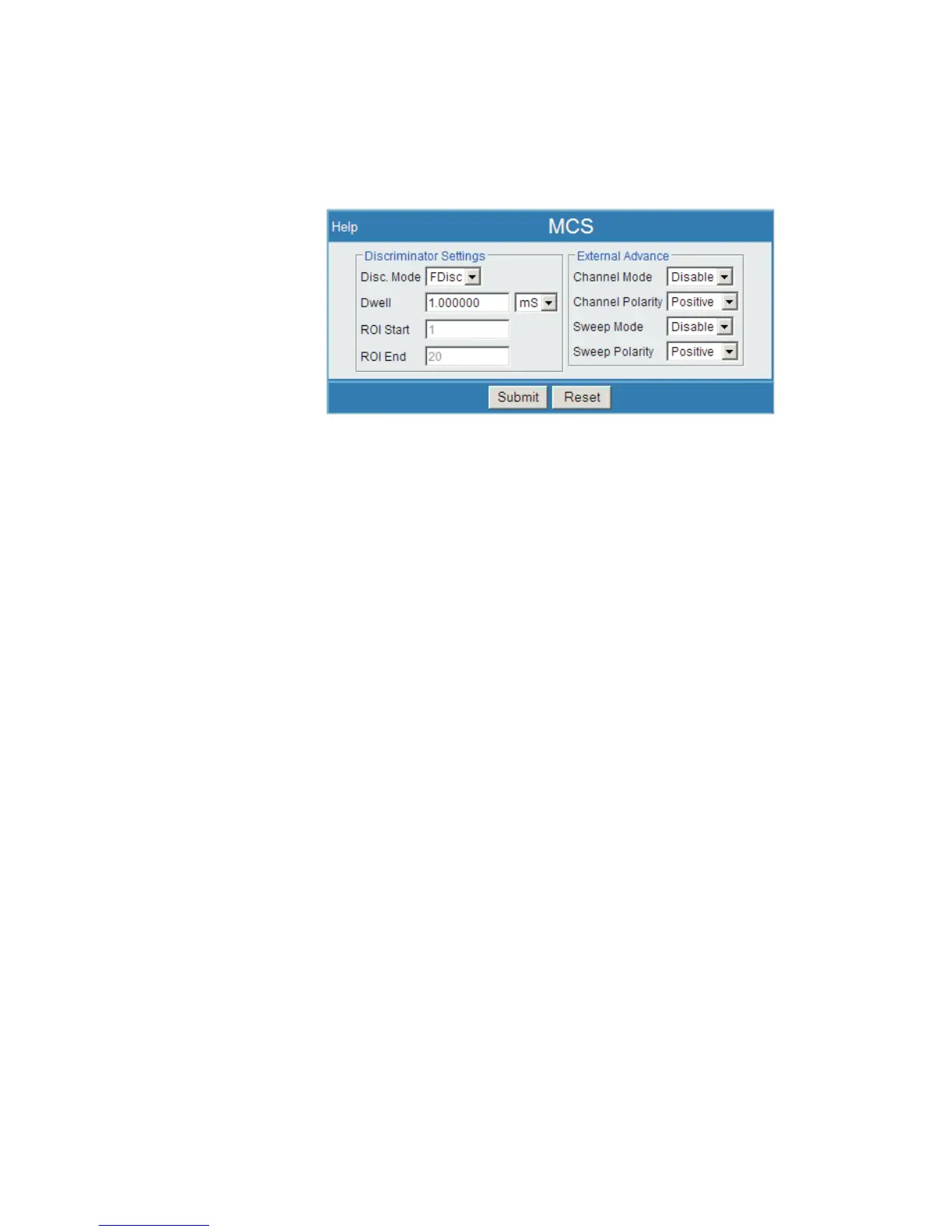
MCS
MCA Settings | MCS allows the user to adjust the Discriminator and External
Advance settings for an MCS acquisition.
Discriminator Settings
Disc Mode
Sets the type of Fast Discriminator mode used, from the following options:
– Fdisc - MCS signal is the fast discriminator (ICR) signal
– TTL - MCS input is from the rear panel MCS connector
– ROI - MCS input is defined as 'all events between the ROI Start and ROI
Stop limits'
Dwell
Defines the length of time to count within each channel. Enter a numeric value in the
first field, and set the time units (microseconds, milliseconds, or seconds) from the
list in the second field.
ROI Start
Identifies the start channel (ROI Start) used when the mode is ROI.
ROI End
Defines the end channel (ROI End) used when the mode is ROI.
Alternate ROI selection method
In ROI mode, you may select the ROI by interacting with the spectrum using your
mouse or other pointer.
User’s Manual 95
MCS | Alternate ROI selection method MCA Settings
Figure 71 - MCS Setup Page



 To Next Page