Other Entries
All of the other entries - ADC, MXR, Stab, Amp and HV - tell you whether that kind
of component is assigned to the MCA and if it’s Manual or Programmable.
11.
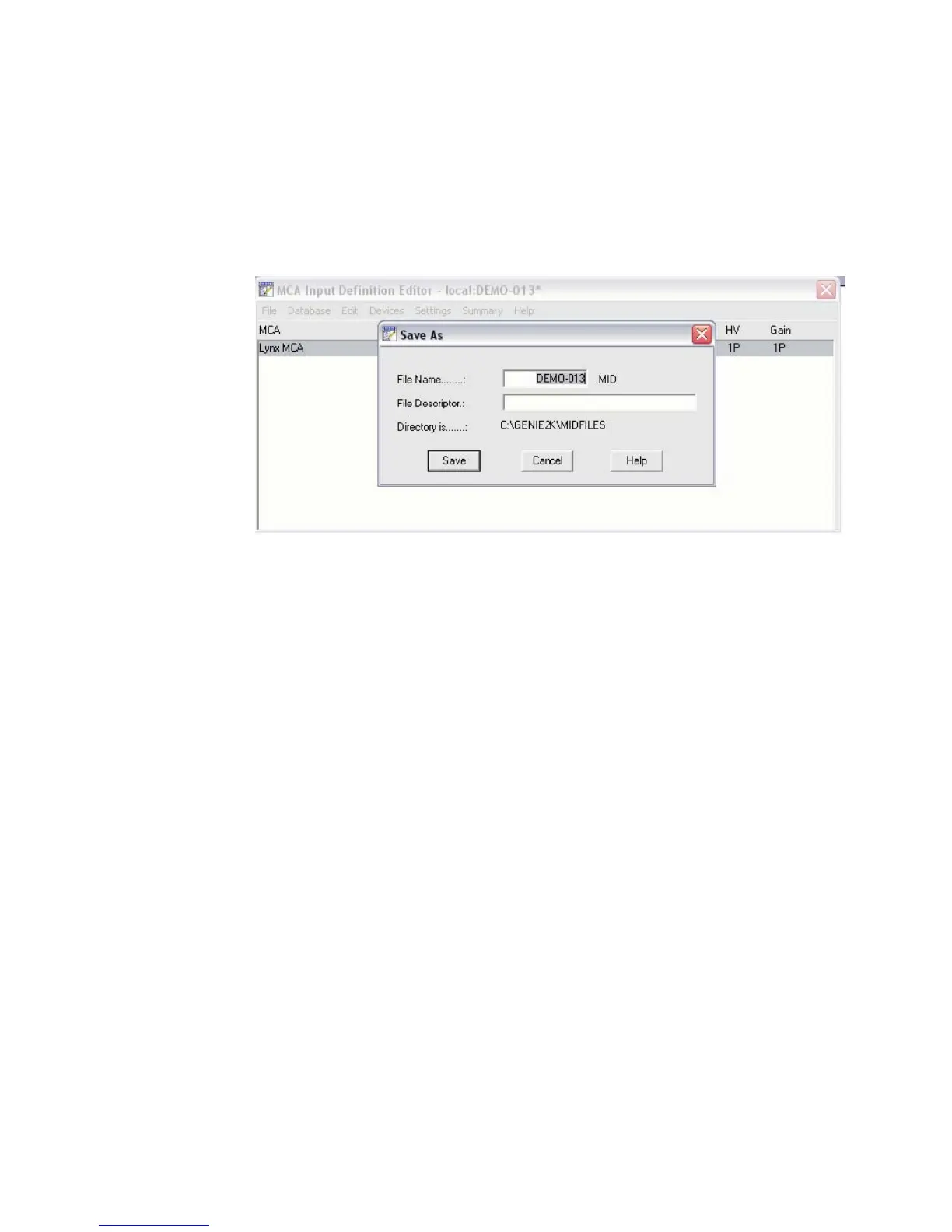
Save and load your configuration into the Runtime database for the Virtual
Data Manager (VDM) to access.
12. Loading the MID file into VDM
You can use the Genie 2000 software to access a detector's configuration information
by loading its MID file. You've just saved a MID file (above) for your Lynx configu-
ration, so you can now use this MID configuration with the Genie 2000.
By loading this configuration into the VDM runtime database, then exiting the MID
Editor, you will be able access this detector configuration in the MVC window utiliz
-
ing your Genie 2000 software.
MCA Input Definition (MID) Editor
User’s Manual 33
Figure 26 - Saving MID file configuration for Lynx



 To Next Page