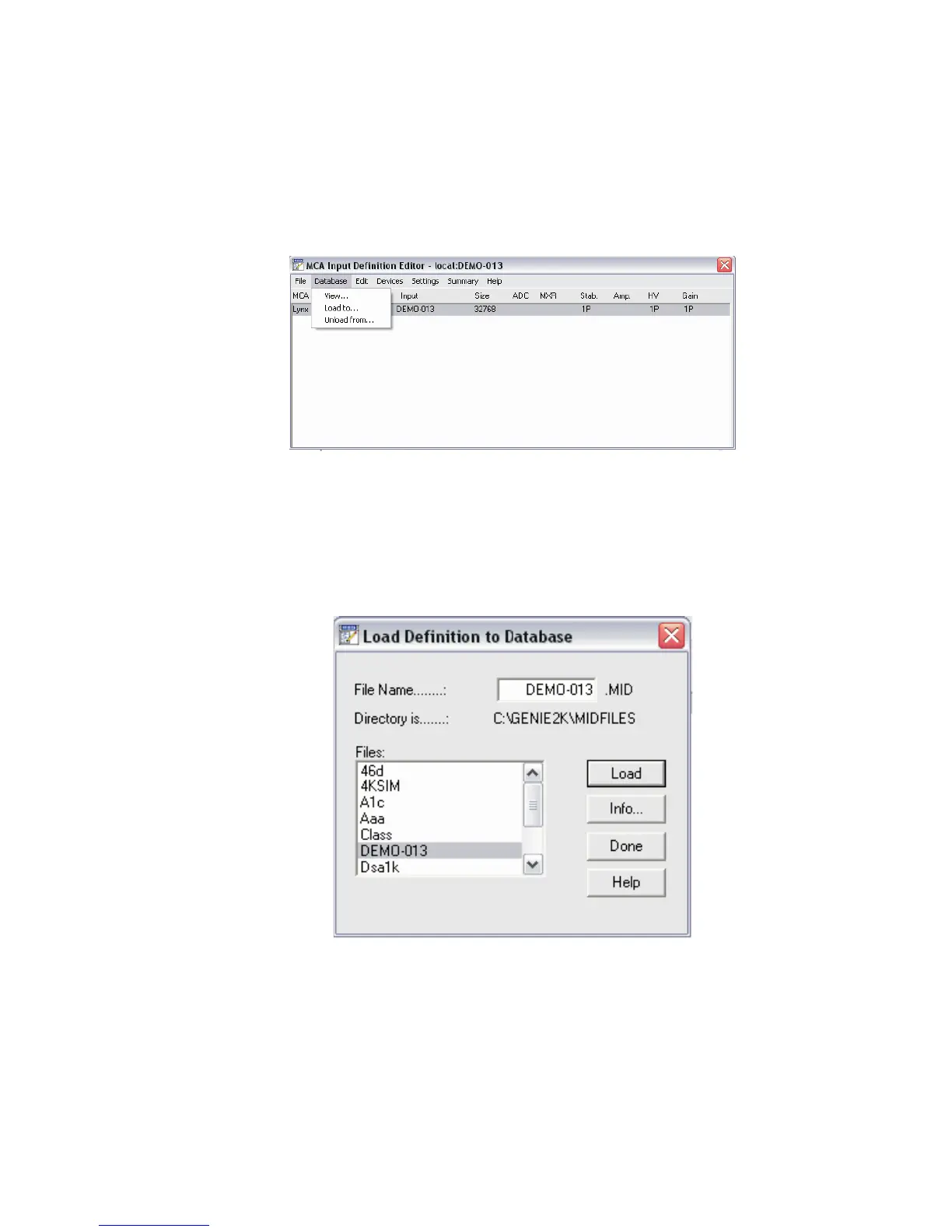
Using the MID Editor, you can load this MID file as follows:
•
Select the Database menu,
•
Select the Load To... option.
• The Load Definition window appears. Select the MCA definition file from the
Files: window (in this example, DEMO-013 is for our Lynx's MCA).
•
Click the Load button, then select the Done button to finish.
Chapter 3 - System Setup
34 Lynx™ Digital Signal Analyzer
Figure 27 - How to Load a MID file for use with Genie 2000
Figure 28 - Select your MCA's MID file for use with Genie 2000



 To Next Page