13.
Opening Detector Datasource for Lynx configurations
From within the MVC window in Genie 2000, select the Detector Datasource.
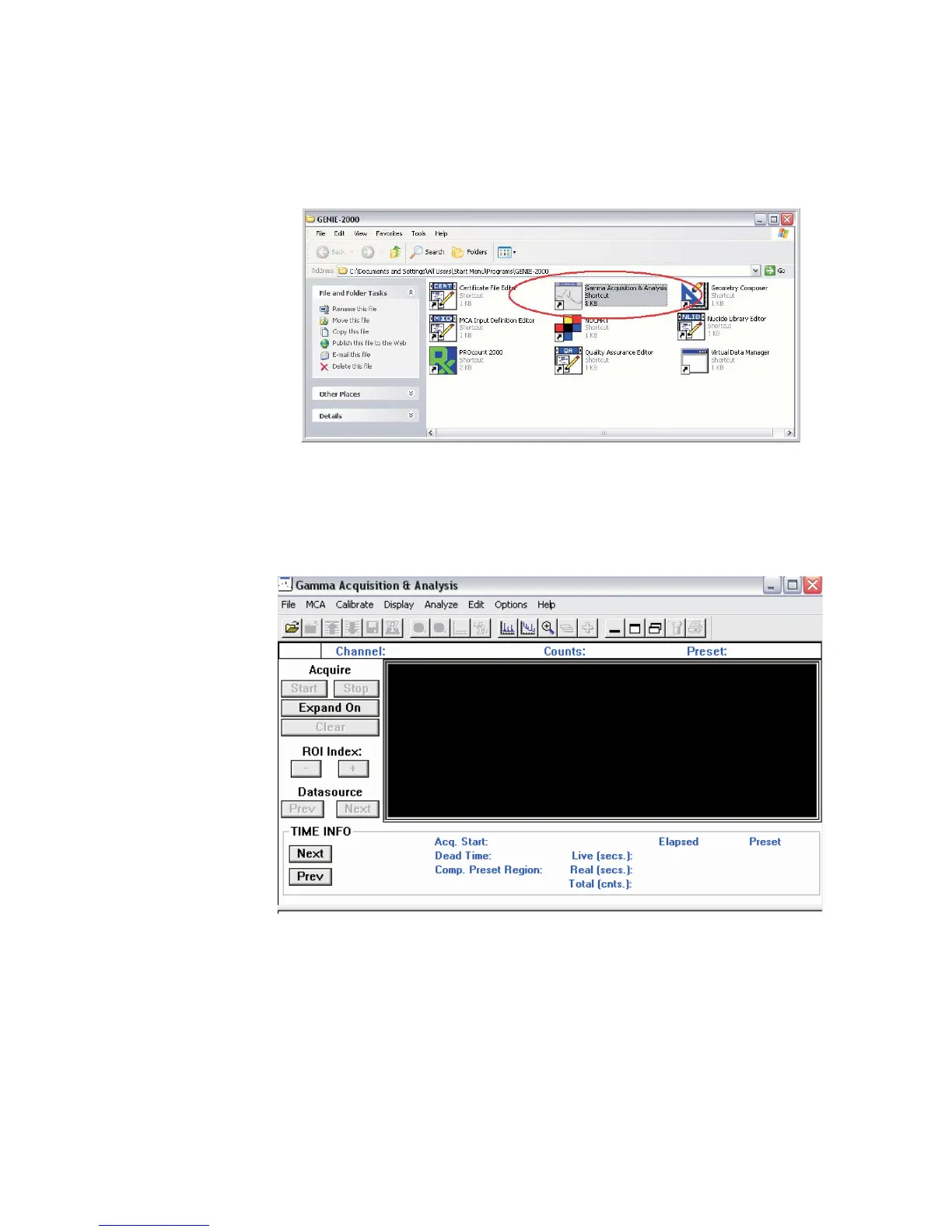
Starting Genie Acquisition and Analysis Window (GAA)
MCA Input Definition (MID) Editor
User’s Manual 35
Figure 29 - Using MVC Window to select a Detector Datasource
Figure 30 - Opening Gamma Acquisition program window



 To Next Page