Unloading the Database
Though some of the programmable front end controls, such as ADC Gain or Amplifier
Gain, are initially set with the MCA Input Definition Editor, many may also be ad
-
justed in the Acquisition and Analysis application while you’re collecting data. These
adjustments can be stored in the database (with File | Save), and when you Unload the
database, are saved in an Input Definition File for future sessions.
The Unload Process
To unload a Database, click on the Database menu’s Unload from command, which
will bring up the Dialog Box. If several choices are listed, there are multiple defini
-
tions in the database.
Click on the one you want to unload, then click on the Unload from button. Note that
this menu item is disabled if the MCA Runtime Configuration Database is currently
being used by another application.
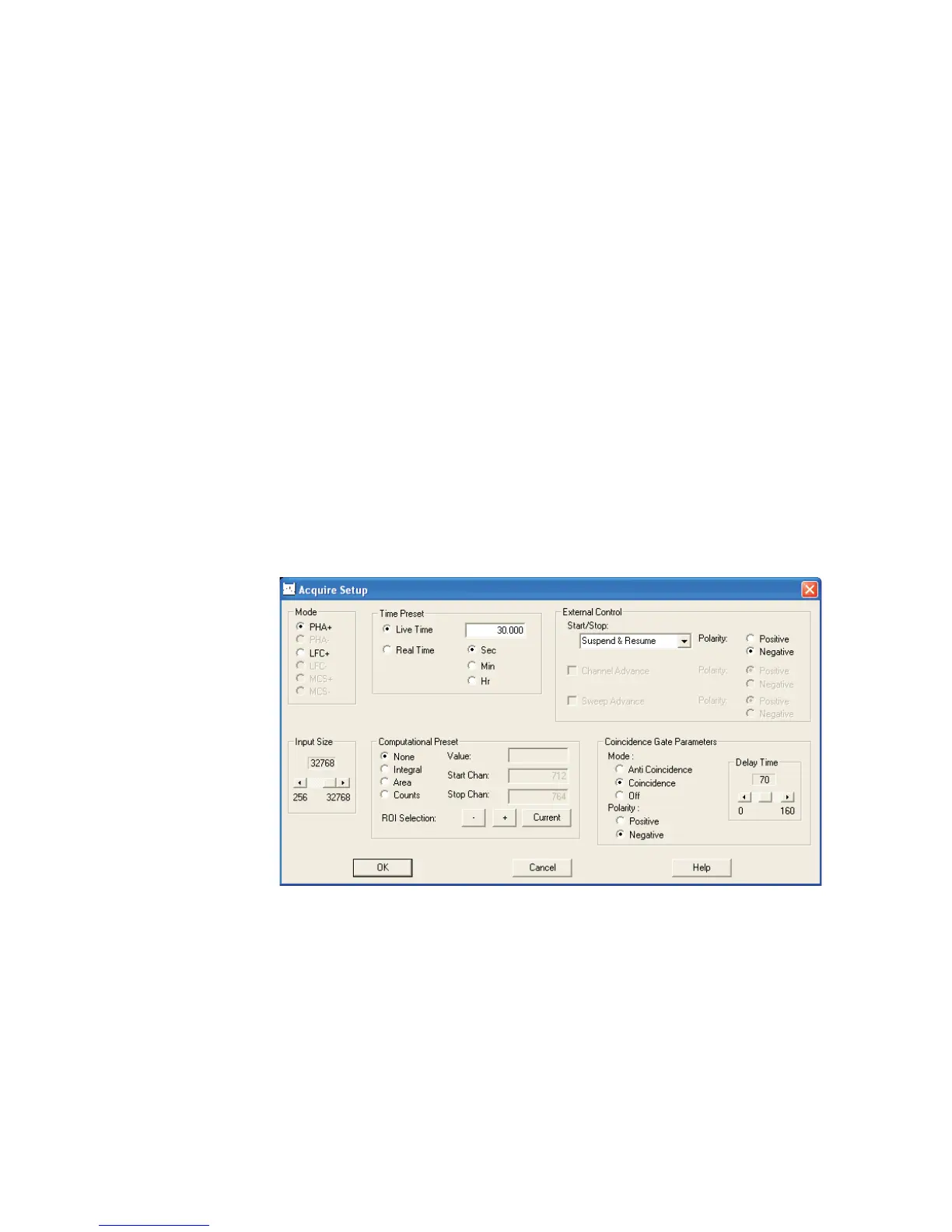
Acquire Setup with Genie 2000
This section includes a 'review' of options presented in the Genie 2000 documentation.
Only those options that are supported with your Lynx setup will be discussed here.
The External Control options have been enhanced in Genie 2000 version 3.1a.
Refer to your Genie 2000 documentation for additional information on these Genie
2000 settings, if required.
Using MCA Definition Tables
User’s Manual 41
Figure 38 - Acquisition Setup Controls in Genie 2000



 To Next Page