Windows RAS Settings for RS-232 use
To connect to the Lynx via RS-232 from your Windows PC, you must create a RAS
Direct Serial Connection Phonebook entry in your PC.
1.
Right click on the My Network Places desktop icon on your PC's desktop,
and then select “Properties”.
2.
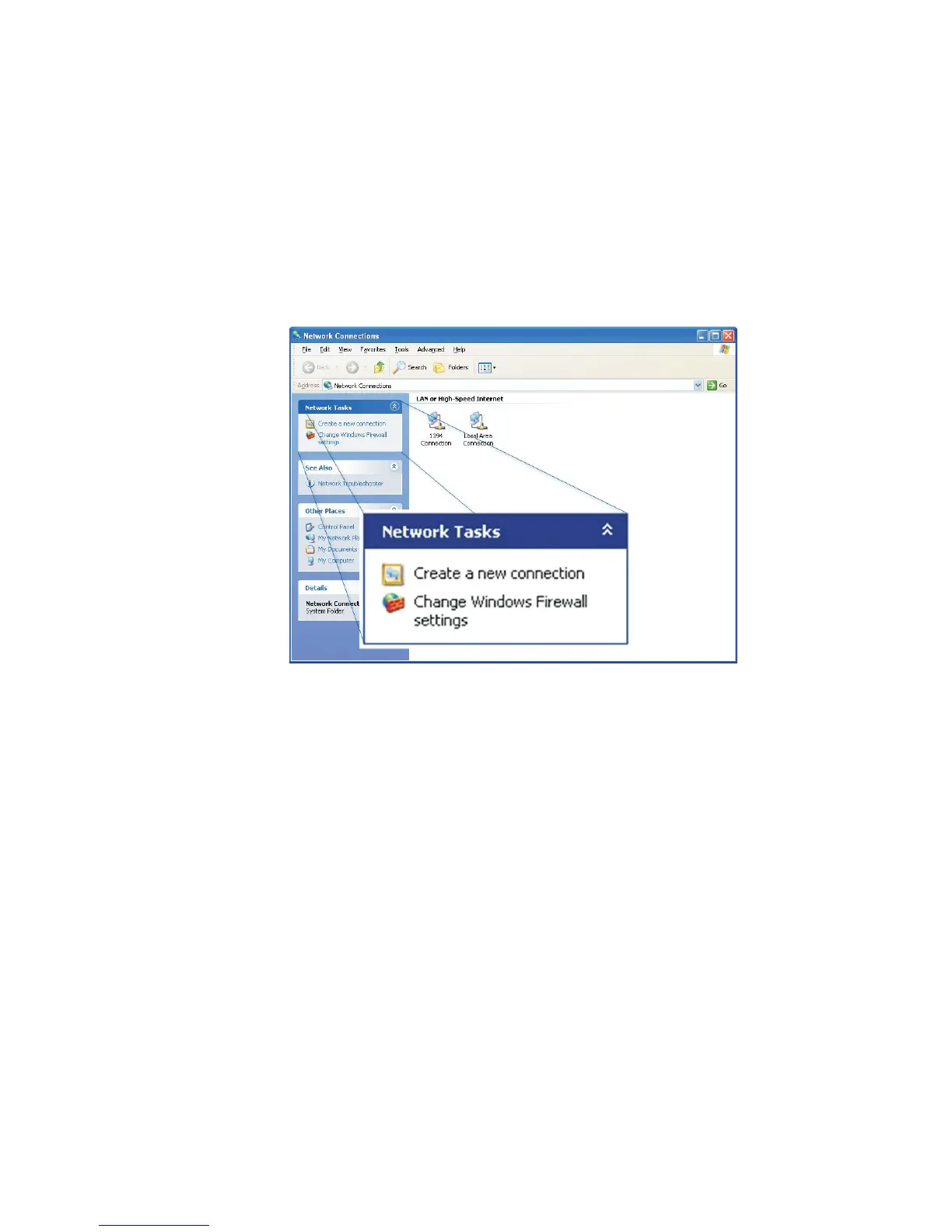
Select the “Create a new connection” link in the “Network Tasks” panel.
Note Later, after you have completed these RAS Settings, you will see an icon for
a Lynx connection in the Network Connections screen.
If you already have these settings done, you can connect with your Lynx by
double-clicking that Lynx icon; proceed to Step 11 on page 186 to continue
to the Login screen for the RS-232 settings.
Appendix B - Communications Setup
170 Lynx™ Digital Signal Analyzer
Figure 113 - Creating a New Connection



 To Next Page