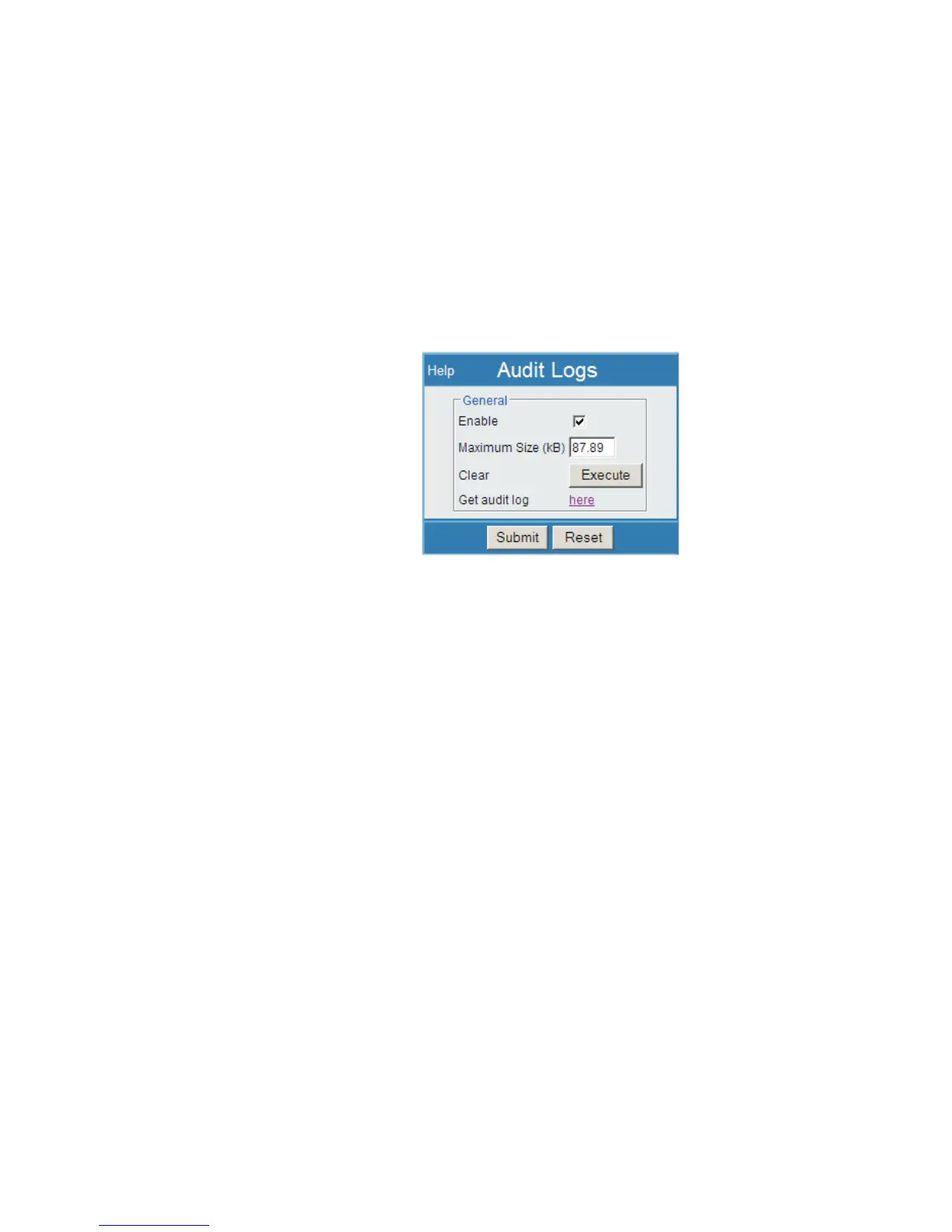
Audit Logs
The Lynx system may collect an Audit Log, if desired. Audit Logs may be helpful in
reviewing an issue or a problem. These settings allow you to configure the audit logs
that are stored in a non-volatile buffer in the Lynx system hardware.
Note
Audit Log commands may also be accessed from the Setup | System page.
Audit logs are used to report most Lynx system actions such as parameter changes,
time changes, connectivity changes, and fault occurrences. The Logs are initially en
-
abled for all Lynx System events.
Enable
Enables the audit logging facility. The Log file will automatically append new events
to the file when the Enable checkbox is checked.
Maximum Size
Defines the maximum size of the audit log, which is maintained in non-volatile mem
-
ory in the Lynx hardware. Once the log data exceeds the defined size, the existing Au
-
dit Log is deleted and a new one created. Maximum size should be kept as small as is
required (100 kB is generous), but may be up to 1000 kB.
Clear
Pressing this button causes the audit log to be deleted and a new one created.
Get audit log
Get Audit Log provides a method to save the audit log locally as a file. This file is in
Unicode format so some browsers may be able to display its contents while others may
not. If the log is not displayed after the here link is selected, simply right-click on the
here link and select Save Target As. The Audit Log can then be transferred to your
system, saved as a file which you may then review separately.
User’s Manual 135
Audit Logs | Get audit log Maintenance
Figure 103 - Audit Logs Setup Page



 To Next Page