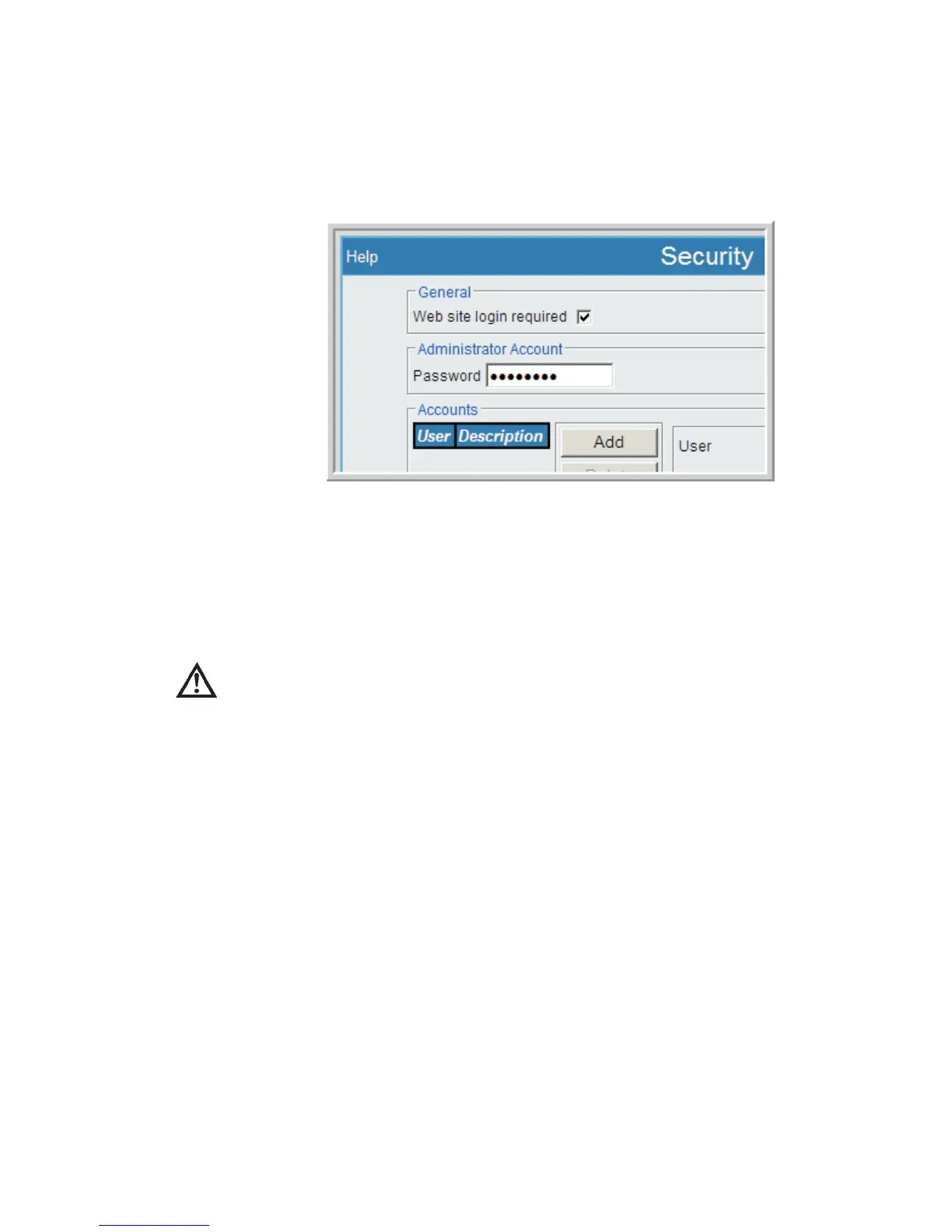
Having the Lynx' Menu Security option enabled (checked), a User has the ability to
modify all Security settings of the system, including adding or deleting users. ANY
person with access to the Security page may change the Administrator's password us
-
ing the Administrator Account's Password entry.
The User Account Options - including Security - are discussed in a following sec-
tion.
CAUTION
If any user has 'Web site login required' unchecked, then the
entire Lynx system is no longer 'secure'. Do not disable this
login option unless this is your intention. See Figure 87 for
the Web site login checkbox location.
Network Security Concerns
There are a few web-based 'security' settings in the system, however the Lynx is not a
portal to other devices on your network, so there are no significant pass-through
concerns. It is suggested, of course, that you take whatever precautions you deem
appropriate to prevent data loss or unauthorized access to your network.
While not a network device, you may choose to use a USB 'memory stick' to transfer
data files from the Lynx to another system. This device must be pre-formatted before
the Lynx will recognize it. As with any removable media, you should check your USB
device with appropriate anti-virus or other 'security' software before using it to ensure
it does not cause harm your recipient system(s).
User’s Manual 115
Security | Setup
Figure 87 - Security page, two IMPORTANT Settings



 To Next Page