We’ll discuss how to add (and delete) the MID editor’s MCA entries and will explain
what the definition entry consists of, to build an MCA Definition list.
Using the MCA Definition Files
To use an MCA Definition, load that MID file into the VDM’s internal MCA Runtime
Configuration Database. From that point on, all MCA operations will use the configu
-
ration information that was stored in the Definition File. To change to a new configu
-
ration, all you have to do is replace the database’s contents with a new file.
Starting the MID Editor
After Genie 2000 software is installed on your PC, you can use the MID Editor to
work with at least one definition file for your setup.
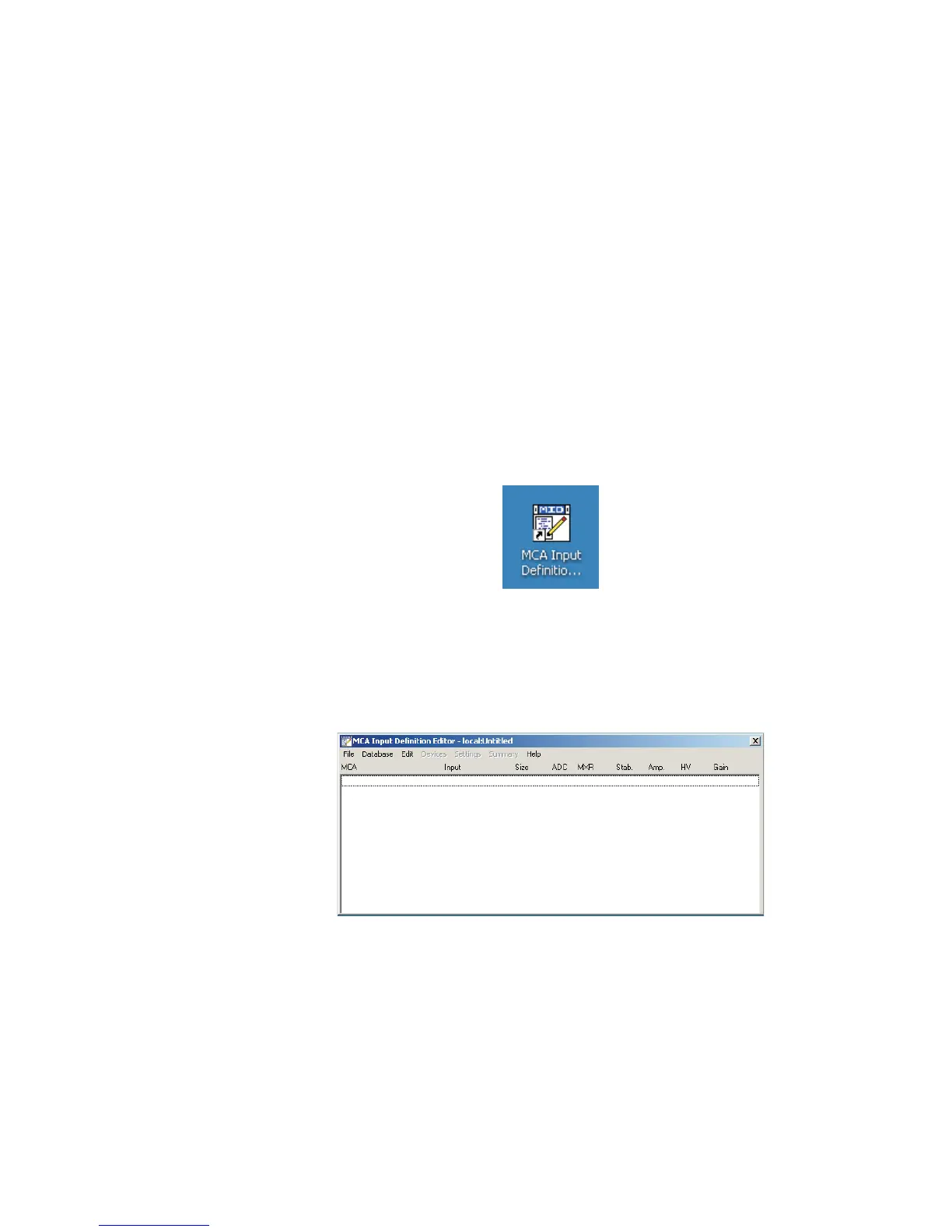
1. Start the MID Editor by double-clicking on its icon in the Genie 2000 Program
Group, or by selecting its desktop icon (if provided).
The result will be a 'blank' application window, as shown in Figure 18.
To use the MID Editor, you build the MCA Definition list and you may add to and de
-
lete the desired MID files from this list.
MCA Input Definition (MID) Editor
User’s Manual 27
Figure 17 - MCA Input Definition (MID) Editor icon on desktop
Figure 18 - MID Editor opens; shows No MID File currently open



 To Next Page