If Disabled, you must access the Lynx by another method, such as using the Genie
2000, which must have been set up beforehand.
Maximum Connections
The maximum number of simultaneous browser connections to the Lynx. This allows
multiple users to connect at the same time. The preset limit is 20 connections.
Note Some browsers will advise the user if they try to connect to the same URL
more than once, and may prevent a duplicate connection. This may occur if
you 'close' your browser without logging out of Lynx, and then try to recon
-
nect again. This condition will clear itself by waiting a few minutes, or by
clearing out the browser connection from your PC.
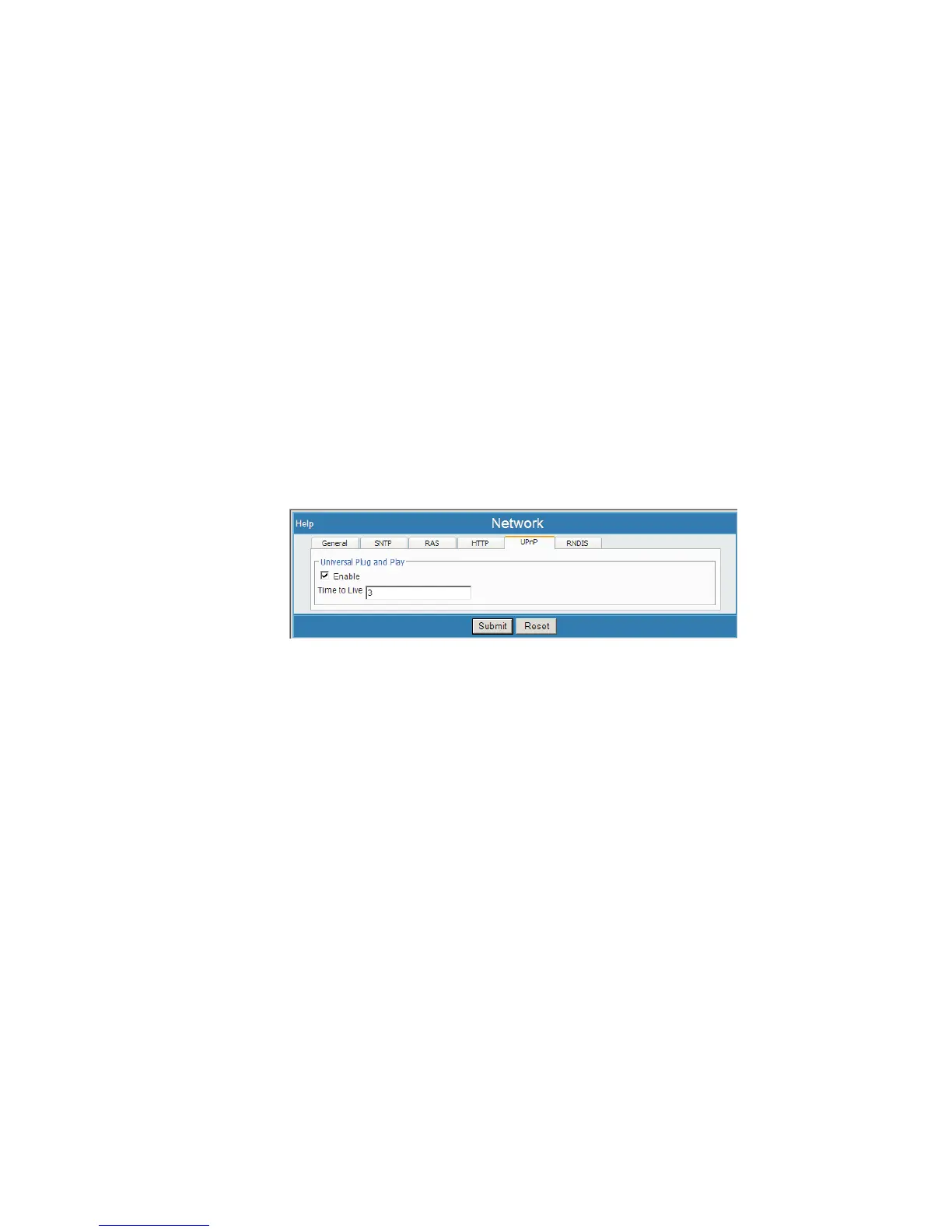
uPnP
This defines settings for Universal Plug and Play setup of the Lynx. Select Net
-
work, then select the uPnP tab.
Enable
This enables or disables this service. When enabled you will be able to discover this
device on your network using any UPnP browser such as Windows XP and its 'My
Network Places' applet.
Time To Live
Specifies the maximum number of hops before the multicast message is discarded.
Chapter 4 - Web-based Operation Network
112 Lynx™ Digital Signal Analyzer
Figure 85 - Network (uPnP tab) Setup Page



 To Next Page