RS-232 Parameter Settings
As soon as you have finished the Connection Wizard routine, Windows will open the
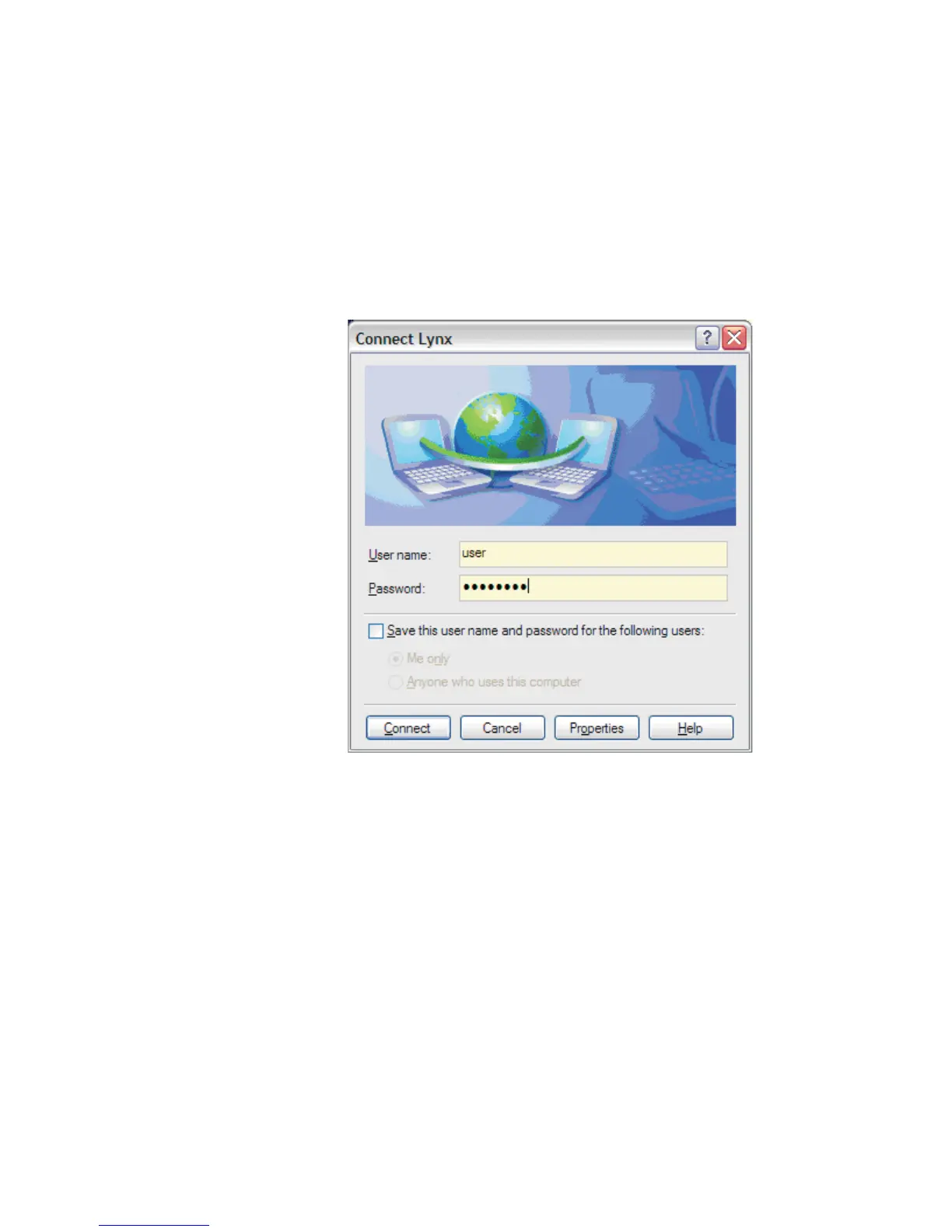
Connect page for the Connection Name you just set up (see Figure 118) - in this
example, the name of this page is Connect Lynx.
11.
In the Connect Lynx screen on your PC (see below), enter in the RAS
Account Name you entered previously to access the Lynx.
Login with the User name of "user" and Password of "password".
12.
Then select the Properties button.
Reminder These Lynx settings for RAS may be changed at
Lynx Menu | Network | RAS tab | Accounts section,
as the User Name and Password entries.
User’s Manual 175
RS-232 Connections
Figure 122 - User Sign-On using RAS, on your PC



 To Next Page