9.
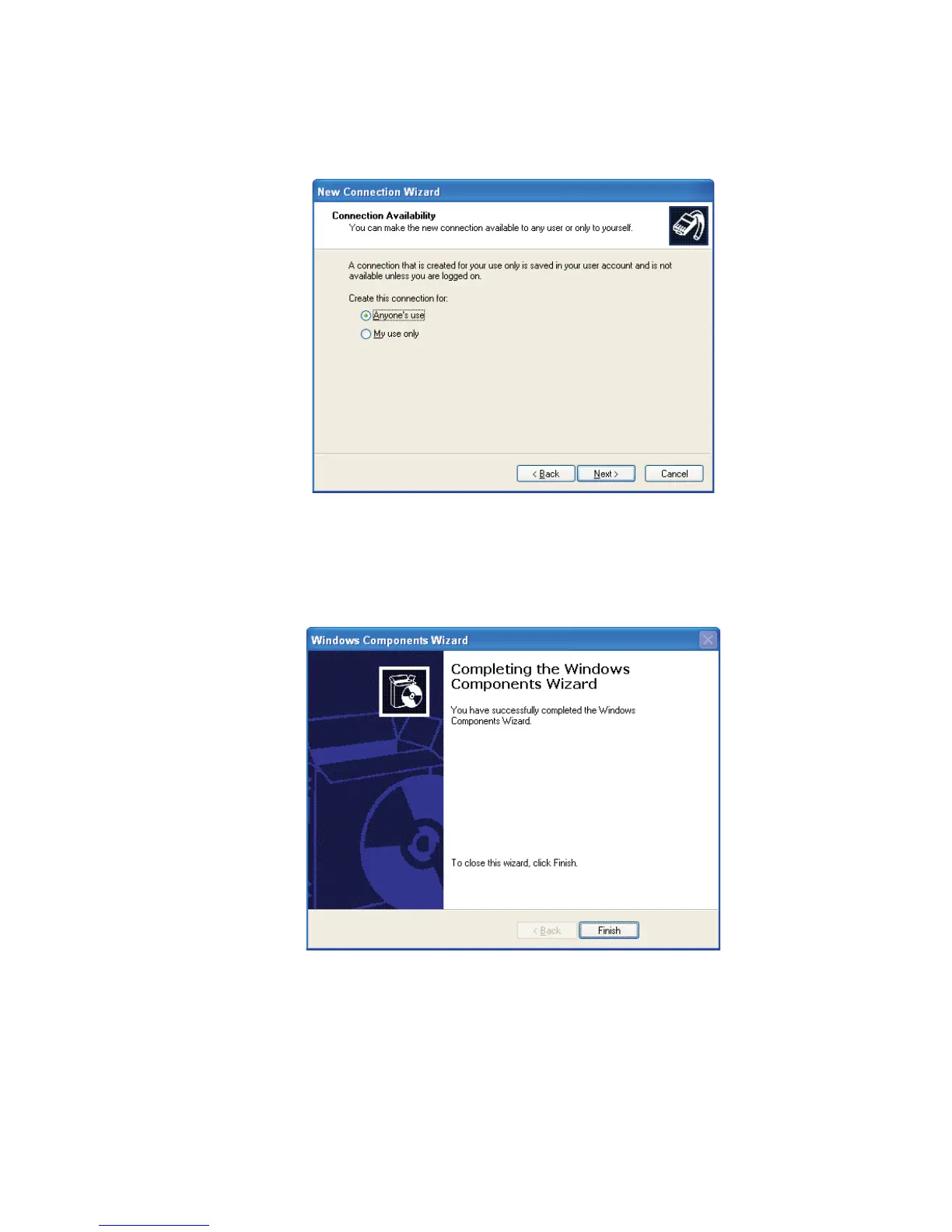
Now specify that anyone can use the connection (Figure 120) and click
Next.
10.
Click Finish to exit the Connection Wizard (Figure 121).
Continue onto the next section for more RS-232 connection / RAS account settings.
Appendix B - Communications Setup
174 Lynx™ Digital Signal Analyzer
Figure 120 - Making the Connection Available
Figure 121 - Finish to Exit the Connection Wizard



 To Next Page