7.
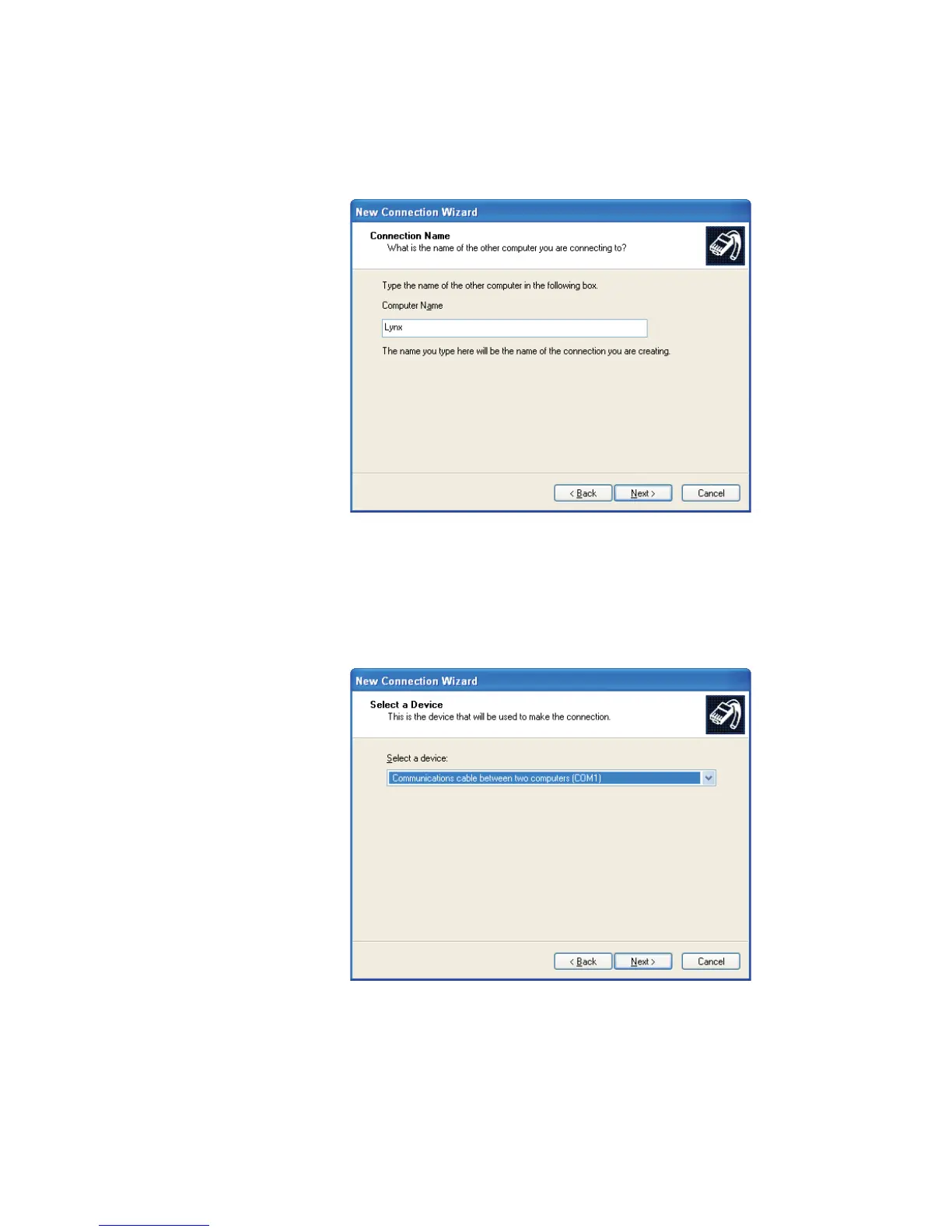
The System Name for the Lynx was set up previously under the Setup |
System commands. Enter that name, Lynx (Figure 118) here, then click
Next.
8.
In the next screen, select Communications Cable Between Two
Computers (Figure 119), then click Next.
User’s Manual 173
RS-232 Connections
Figure 118 - Name the Connection
Figure 119 - Select a Device



 To Next Page