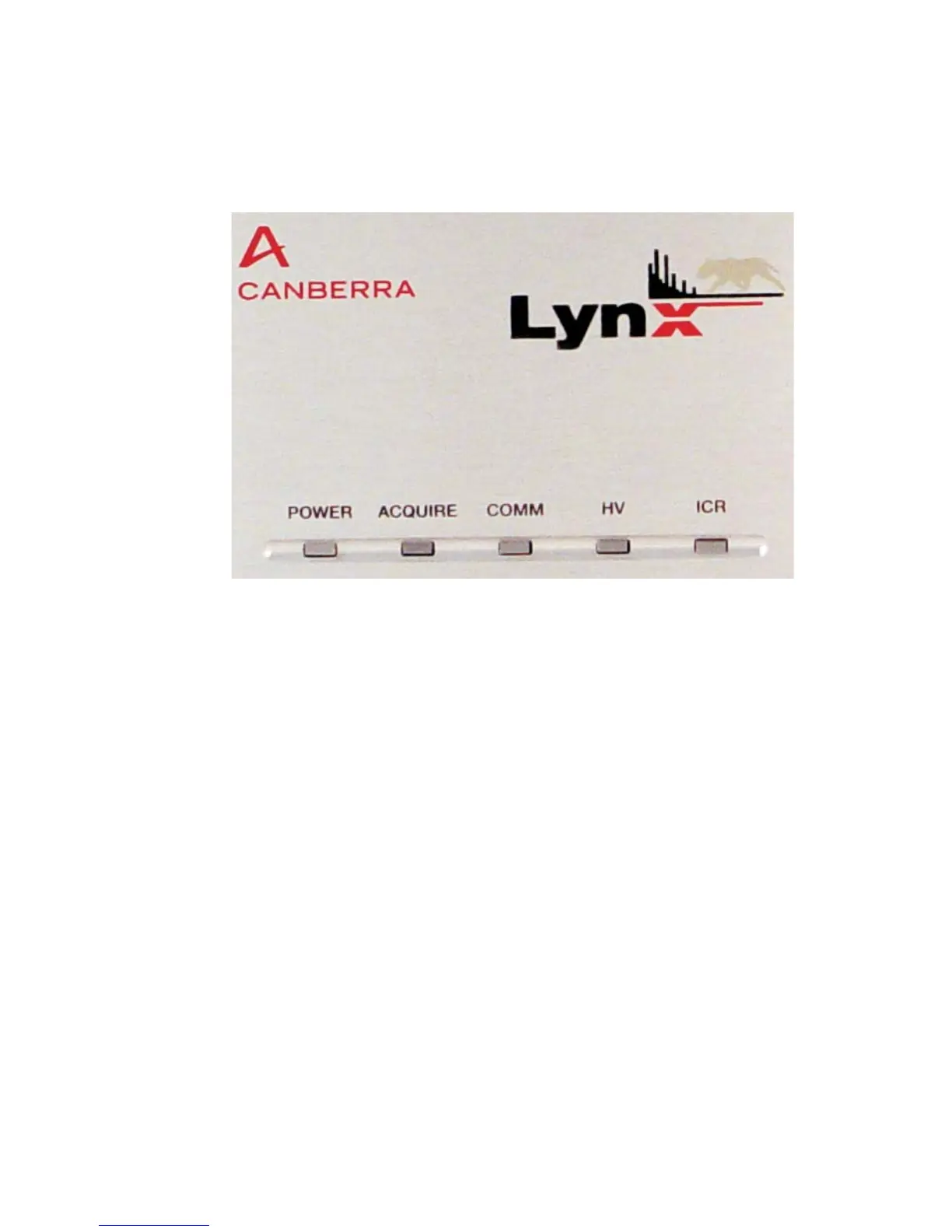
Front Panel Indicators
With power applied, you should see some indication(s) on the Lynx's front panel.
POWER
Multi-color LED to indicate instrument status.
• Green Blinking – Instrument is powered on and in the process of initialization.
•
Green Steady On – Instrument is powered on and in operating mode.
•
Red Steady On – Instrument has some type of self diagnostic error. The reason
for the error may be confirmed through the appropriate control software (Genie
2000 or the web browser).
ACQUIRE
Green LED that illuminates Steady On when the instrument is acquiring data.
COMM
Green LED that illuminates each time the instrument has received a command over
any supported communications interface.
User’s Manual 149
Front Panel Indicators
Figure 107 - Front Panel showing Indicator LEDs



 To Next Page