2. Controls and Connectors
Lynx has several functional indicators on its front panel and a number of connectors
on the rear panel. This chapter includes a brief description of each one.
Most operations and controls of the Lynx are remotely operated through the Lynx user
interface, using a PC or PDA equipped with an Internet Browser.
There are no user controls on the unit itself, and the indicators show status and some
indications that may be used to verify a setup, however there are no 'user' indicators
that require the Lynx be visible to the user.
Front Panel Indicators
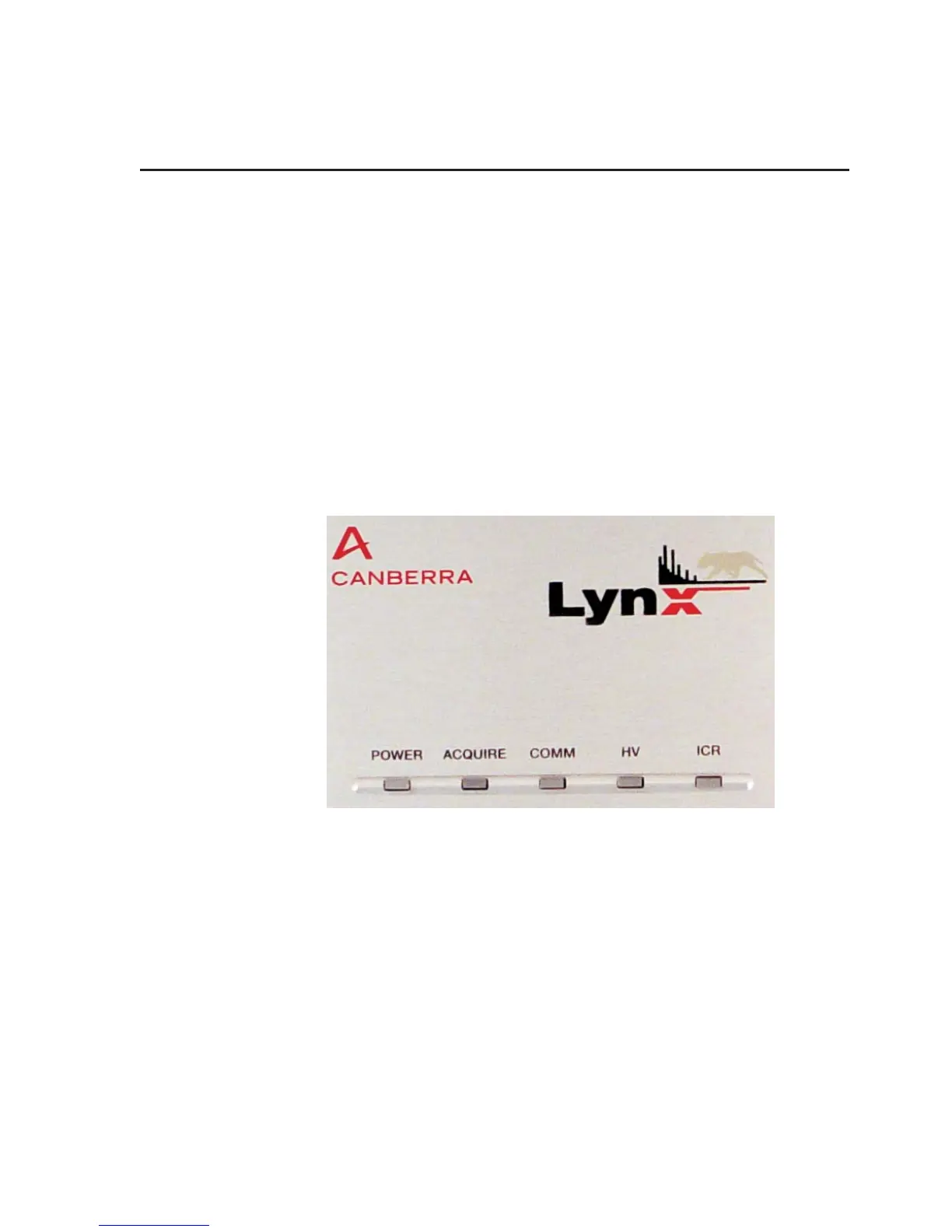
The Front Panel LED indicators (Figure 15) are summarized on page 16.
It is not absolutely necessary to be able to observe these indicators during operation, as
the real-time results are displayed in the Lynx's user interface. However, before inter
-
acting with the connectors on the rear of the Lynx unit, you may wish to observe these
status indicators for your own safety.
For more information, refer to Appendix A, Specifications.
Front Panel Indicators
User’s Manual 15
Figure 15 - Front Panel showing LED Indicators



 To Next Page