Save
Each Input's parameter selections are maintained in the Lynx, not in your computer. If
you access an input from a different computer, the settings will be 'as last modified'.
The Save hyperlink will store input-specific data to a CAM file and/or an ANSI
N42.42 file.
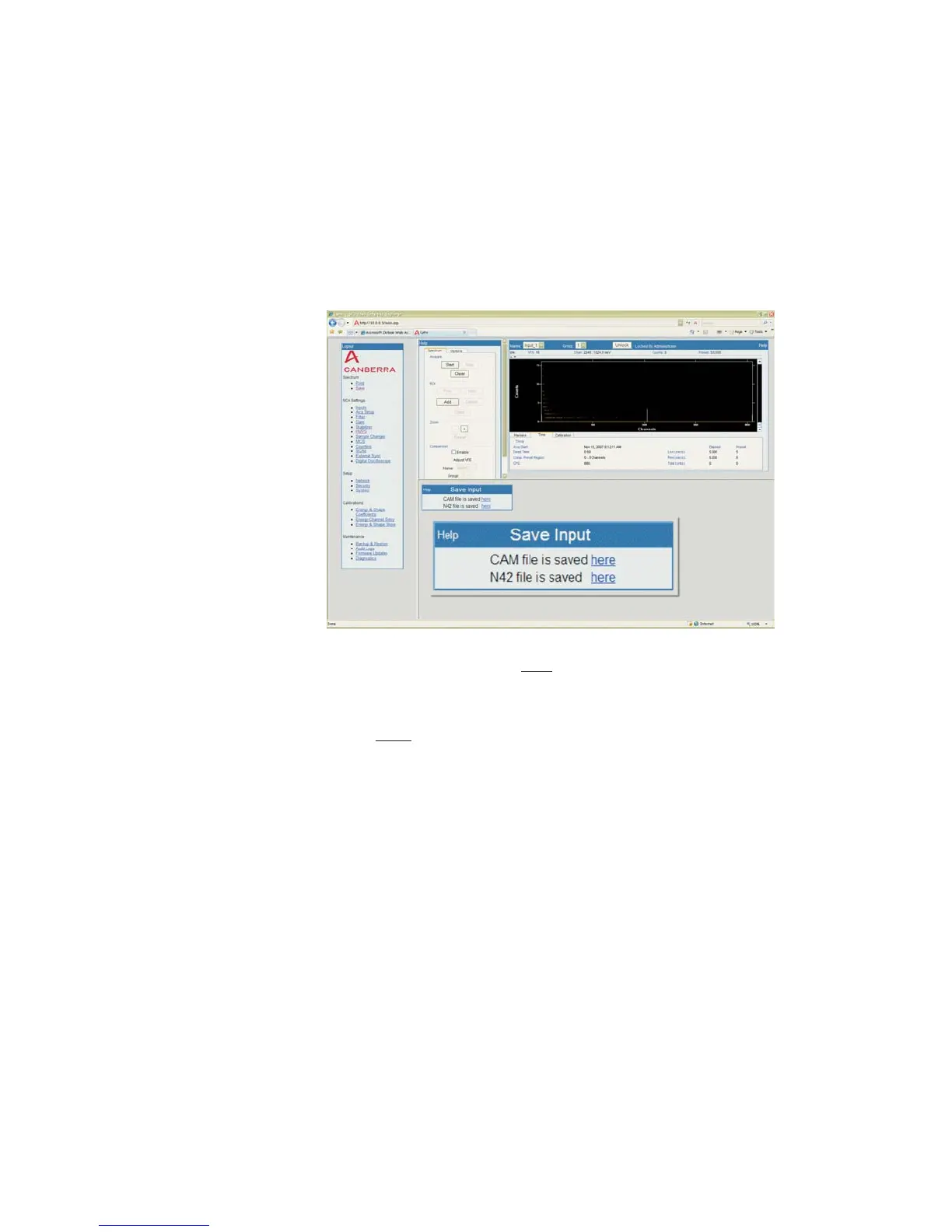
By clicking the Save menu item, you will see a window like the following:
Right-Click on a here
link and you will get a File Download window, allowing you
to Save a copy of the acquisition data to your computer's drive(s) or network.
User’s Manual 75
Save | Screen Colors Menu Features
Figure 60 - Save Input here links (expanded for clarity)



 To Next Page