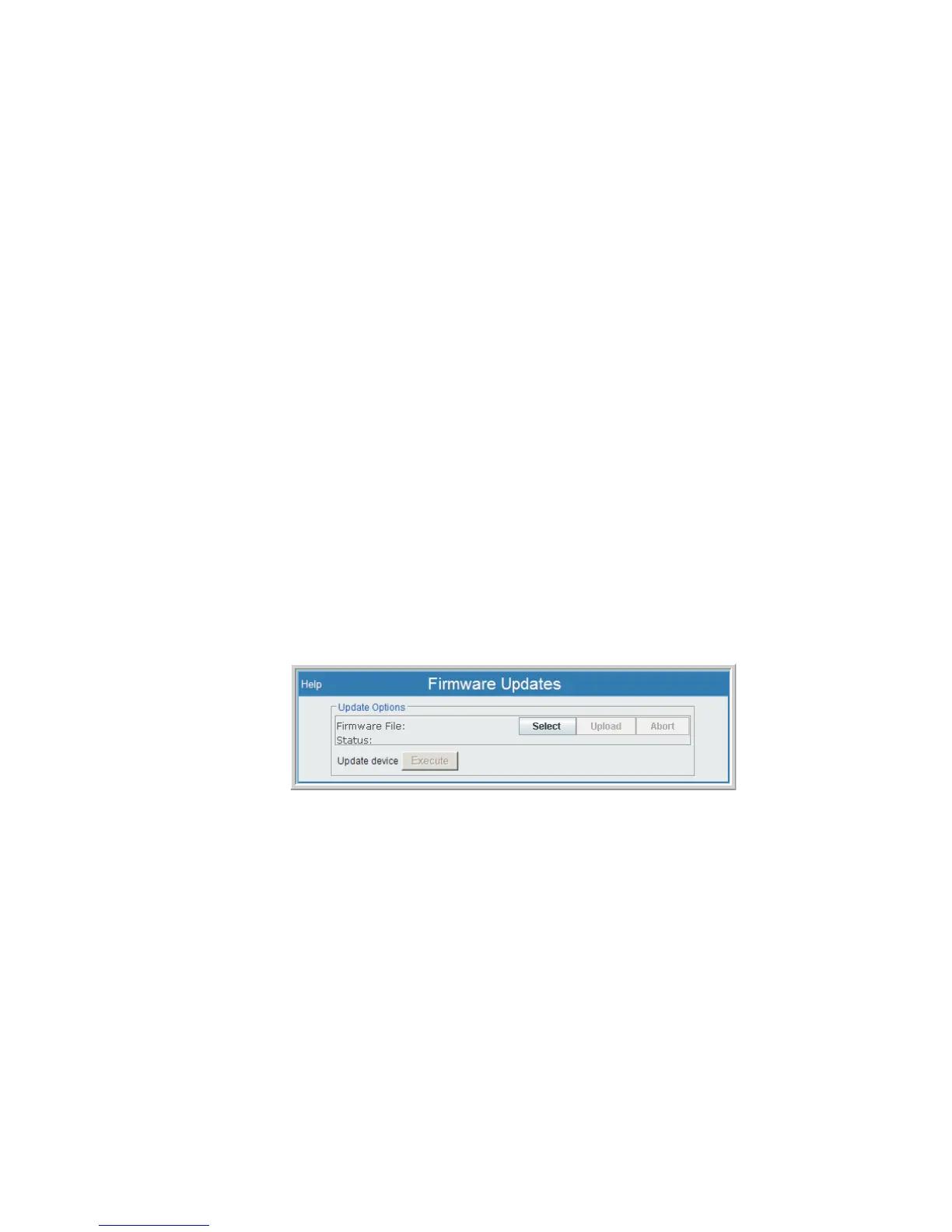
Firmware Updates
The Lynx supports the ability to have its operational firmware updated without requir
-
ing the system be moved or disassembled. This is a software-only event and is done
over a network connection from a local PC to your Lynx.
This is often performed by a Lynx system administrator or other specialized user. A
firmware update is downloaded (or otherwise obtained from Canberra) to a local PC
and then installed in the Lynx by a User having this feature enabled.
Firmware updates do not affect your Input data or CAM files.
Update File
The firmware update is a binary file (format is nk.bin) and must first be downloaded
to an accessible drive location on your PC. Using a network connection to your PC, it
is then executed by a command from the Lynx Menu's Firmware Updates feature.
Note This should be done at a time when the Lynx system is not 'busy' and is not
'required' for use. It will be restarted during the update process.
Update Procedure
During the Update process, you must take the Lynx system offline for a brief period
of time. The Lynx will also experience at least one 'reboot' during this time (depending
on how the update is accomplished).
After you have obtained the firmware update file, copy the file to an accessible direc
-
tory and follow the steps to run the update are as follows:
1.
From the Lynx Menu | Maintenance | Firmware Updates page, press the
Select button. A file-selection window opens.
2.
Using the File Selection Dialog options, locate the nk.bin file that you
received. Its nk.bin name should be showing in the File Name field; press
the Open button to select this file.
3.
Press the Upload button. The update file will be loaded into memory.
Chapter 4 - Web-based Operation Audit Logs
136 Lynx™ Digital Signal Analyzer
Figure 104 - Firmware Update Setup Page



 To Next Page