13.
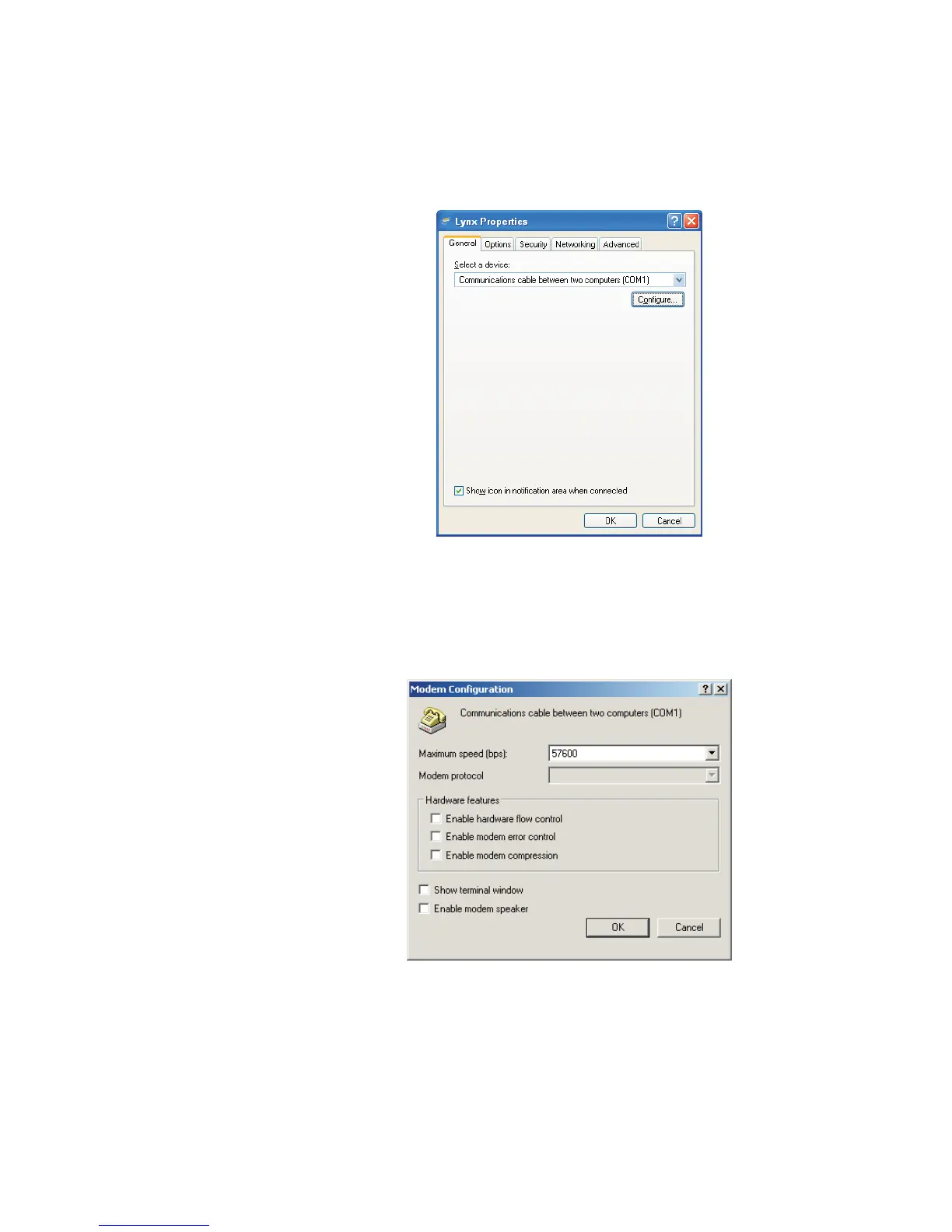
On the next screen's General tab, be sure the 'Communications cable
between two computers' item is selected, and click the Configure button
(Figure 123).
14.
Scroll down the Maximum Speed list to 57600 (Figure 124). Click OK.
15.
Click OK again to return to the Connect Lynx screen (Figure 125).
Setup of the RS-232 connection is now complete for the PC side of the connection.
Appendix B - Communications Setup
176 Lynx™ Digital Signal Analyzer
Figure 123 - Windows RAS Settings for the Lynx
Figure 124 - Configuring the Communications Settings



 To Next Page