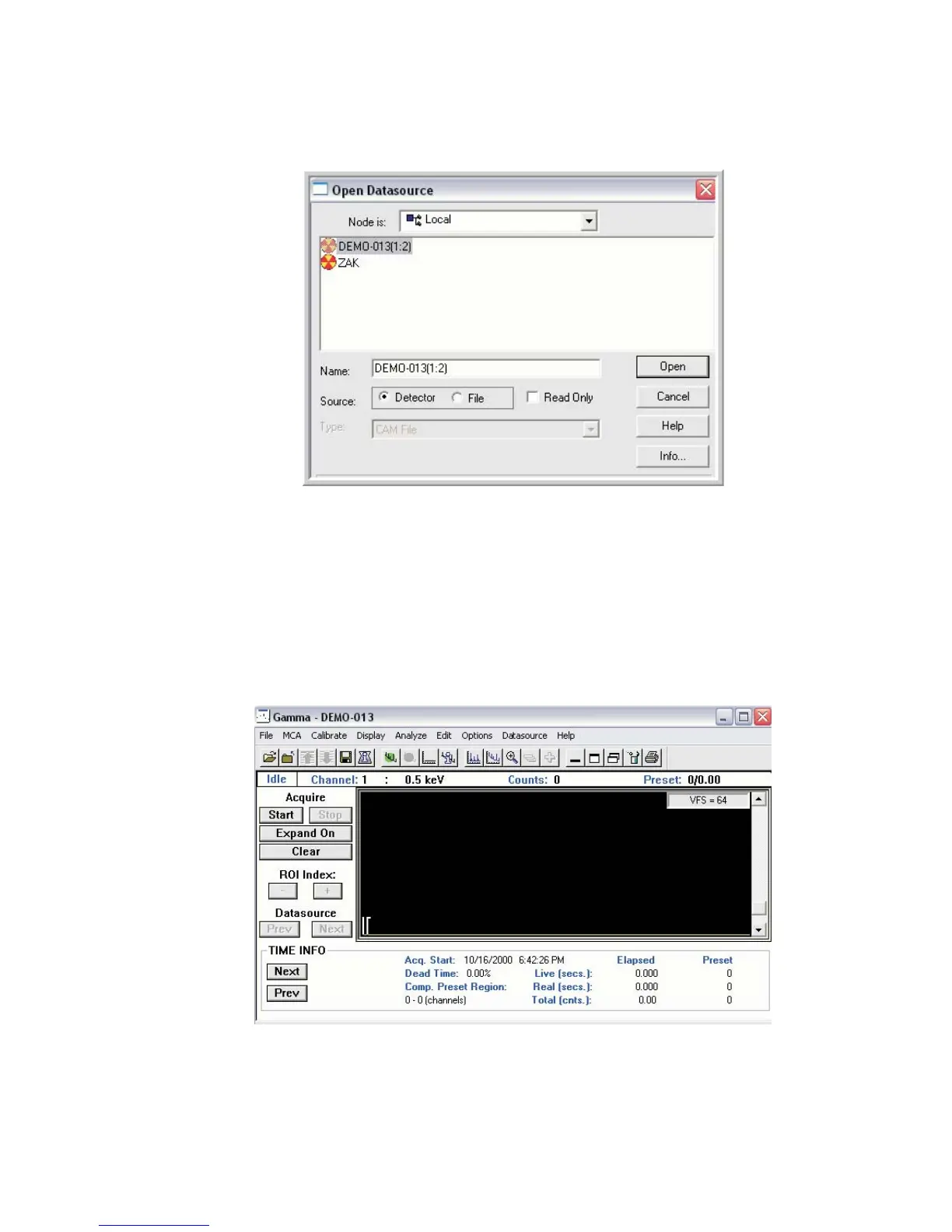
Select the desired detector data source, and press Open.
The Lynx MCA is now opened in the MVC window.
Settings can now be applied to High Voltage, Gain or many other facilities within the
MVC window via the MCA Adjust pull down menu.
Chapter 3 - System Setup
36 Lynx™ Digital Signal Analyzer
Figure 31 - MVC Window, select the Lynx Datasource
Figure 32 - Lynx Datasource settings opened in MVC



 To Next Page