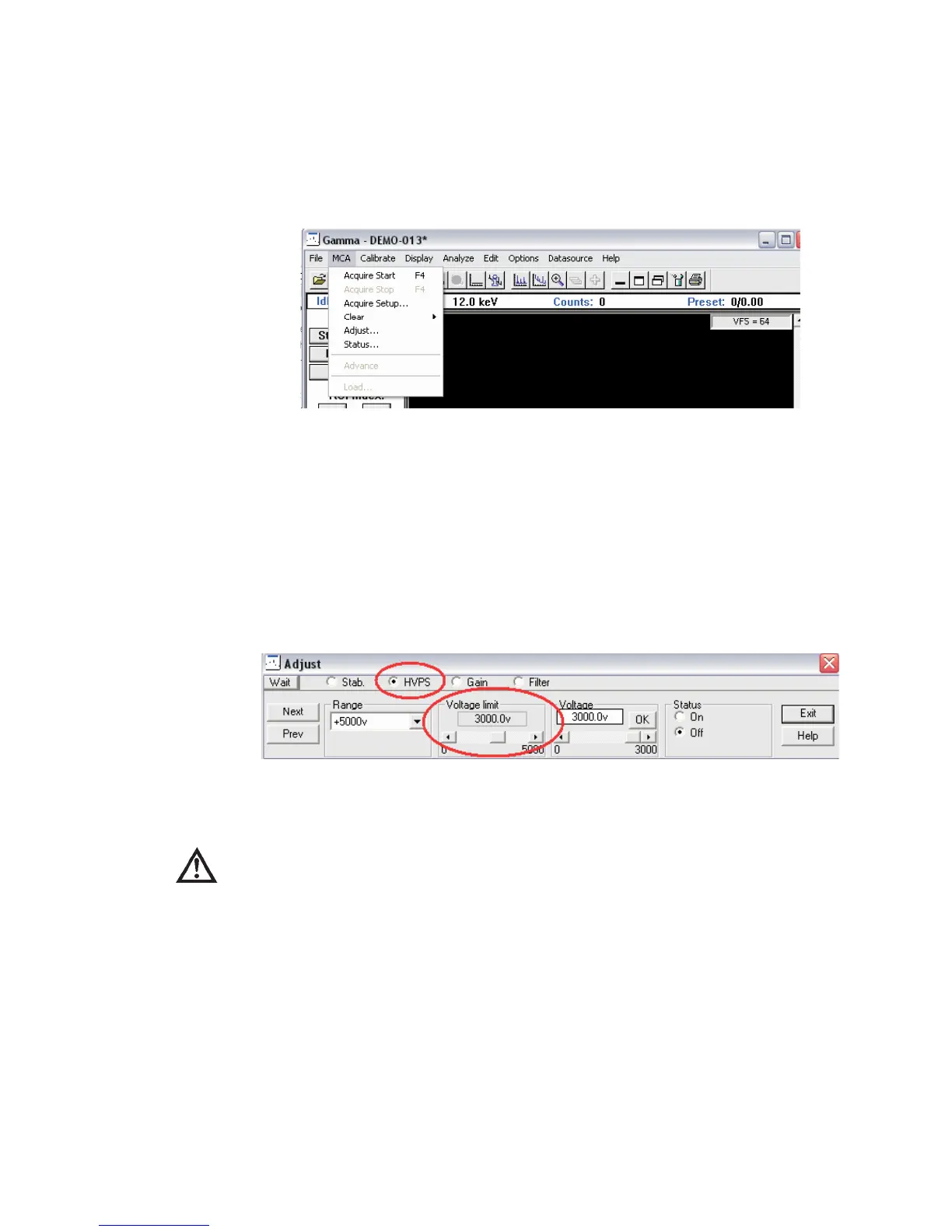
14. Utilizing the MCA Adjust pull down menu to adjust parameters.
Now that the existing values from the datasource are loaded, you can make adjust
-
ments as needed. From the MCA heading, select the Adjust... command.
15. Adjusting the HV limits and bias voltage
Adjusting High Voltage will be the first step to using your MCA.
Select the HVPS radio button on this page if it is not already selected. The High Volt-
age options will be displayed.
CAUTION Adjusting the bias voltage limit to the correct bias of your
detector is important so as not to damage your system by
over-biasing your detector.
MCA Input Definition (MID) Editor
User’s Manual 37
Figure 33 - GAA, select MCA then select Adjust... command
Figure 34 - Adjust HVPS Limits using MVC



 To Next Page