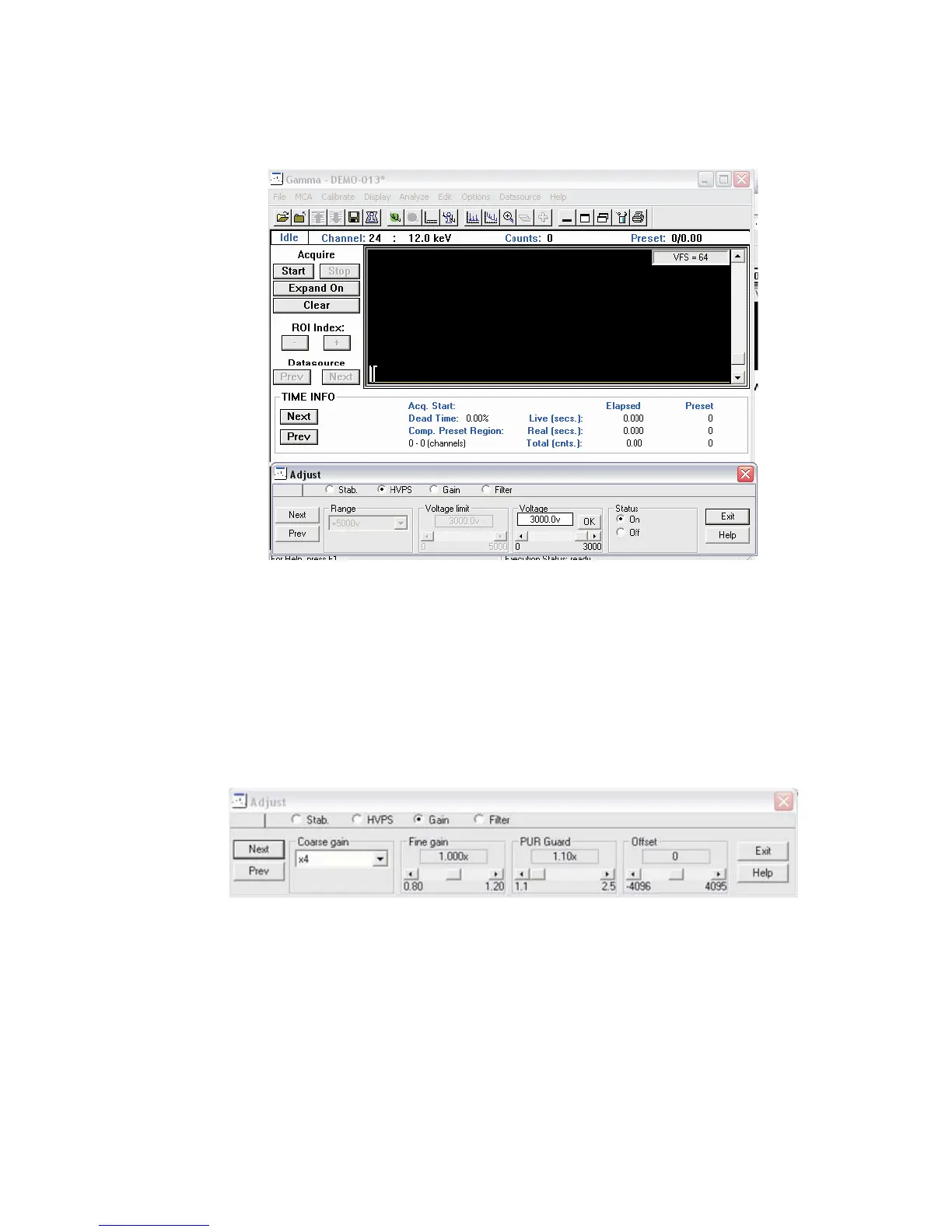
Then turn on the HV and ramp up the system to the desired voltage range and limit.
16.
Adjusting the MVC window for Gain and Filter settings
After the HVPS has been set appropriately, select the Gain radio button, and make
your Gain settings by adjusting the MVC window gain to reflect the desired energy to
channel relationship or slope to ensure the calibration of your MCA.
By using the Coarse Gain and Fine Gain you can adjust the desired peaks to the de
-
sired energy-channel relationship by using the slide bars and lining up each peak ac
-
cordingly.
Chapter 3 - System Setup
38 Lynx™ Digital Signal Analyzer
Figure 35 - Ramping up the HV in the MVC window
Figure 36 - MVC window, Adjust Gain settings



 To Next Page