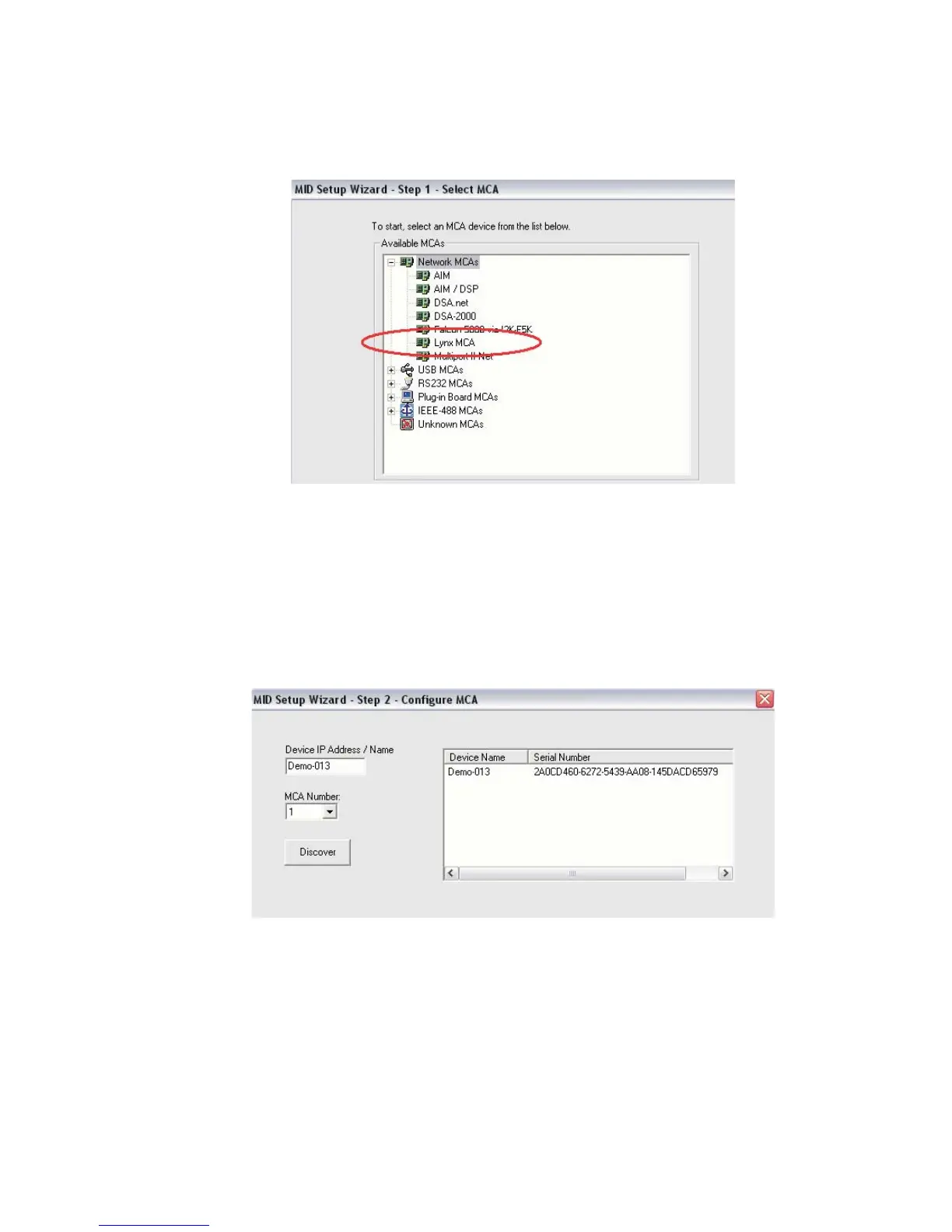
In this example, click on the '+' next to the "Network MCAs" board type, choose
Lynx, then click the Next button.
Configure the MCA
2. Select the type of MCA to configure.
Chapter 3 - System Setup
50 Lynx™ Digital Signal Analyzer
Figure 42 - Select Lynx MCA from Network MCA list
Figure 43 - MID Wizard, Step 2: Select the MCA type



 To Next Page