3.)
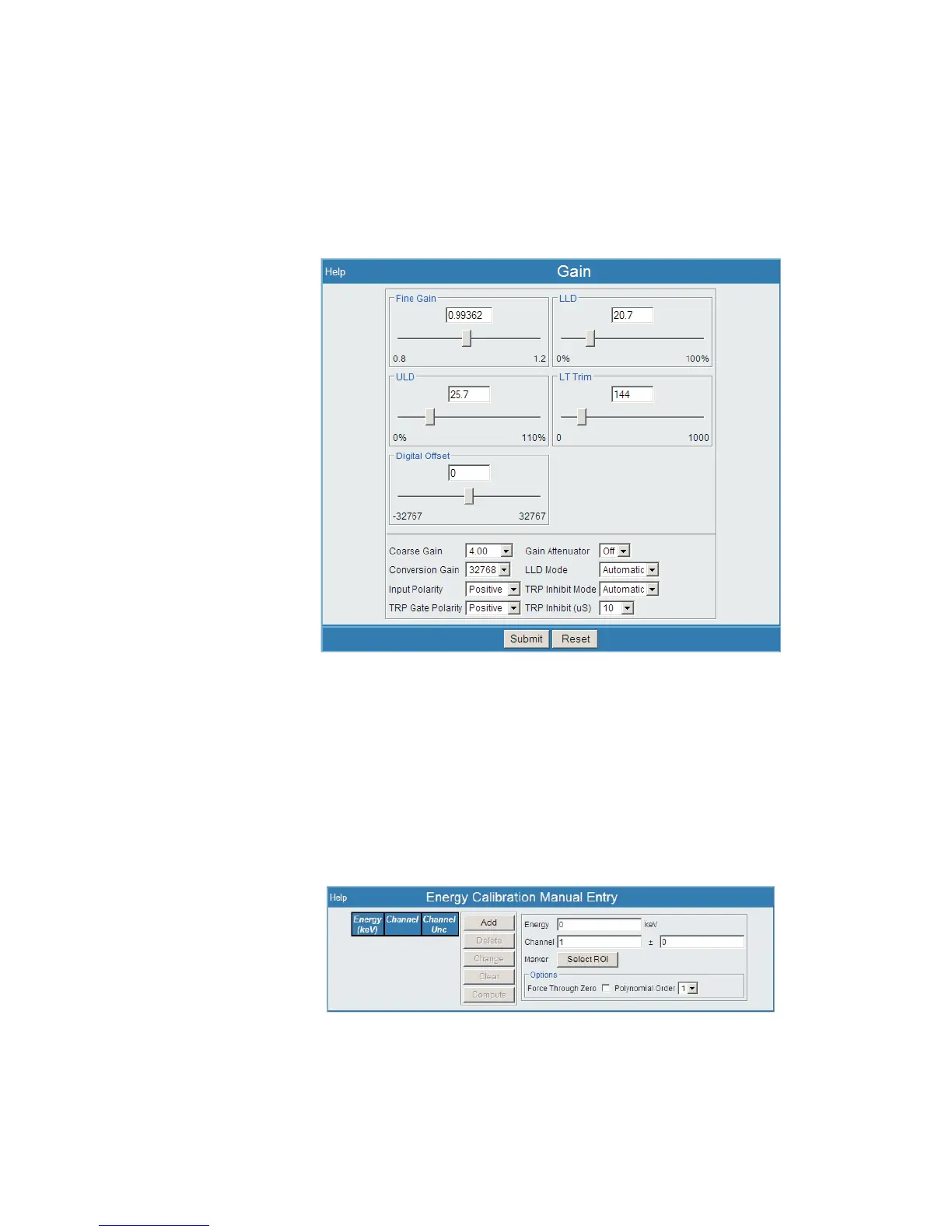
From the Lynx Menu, select Gain under MCA Settings.
While observing the spectrum display, use the Coarse Gain and Fine Gain
to adjust your desired peaks into the area or correct channels. This is also
creating the required slope data for your energy calibration.
4.)
Once the desired peaks are in or around (as for NaI type detector) the desired
channels, count your spectrum. Consider the strength of your source and the
count time needed to ensure an adequate count rate acquisition.
5.)
Select the Calibrate | Energy-Channel Entry menu option.
User’s Manual 9
Sample Energy Calibration
Figure 4 - Using Gain Setup (under MCA Settings)
Figure 5 - Energy Channel Entry menu page



 To Next Page