The USB drive must be PC formatted and writeable. The USB device is auto-detected
by the Lynx, and upon being detected will cause the System page to update Status
and include addition relevant fields for USB storage and transfer of data files to the
USB media.
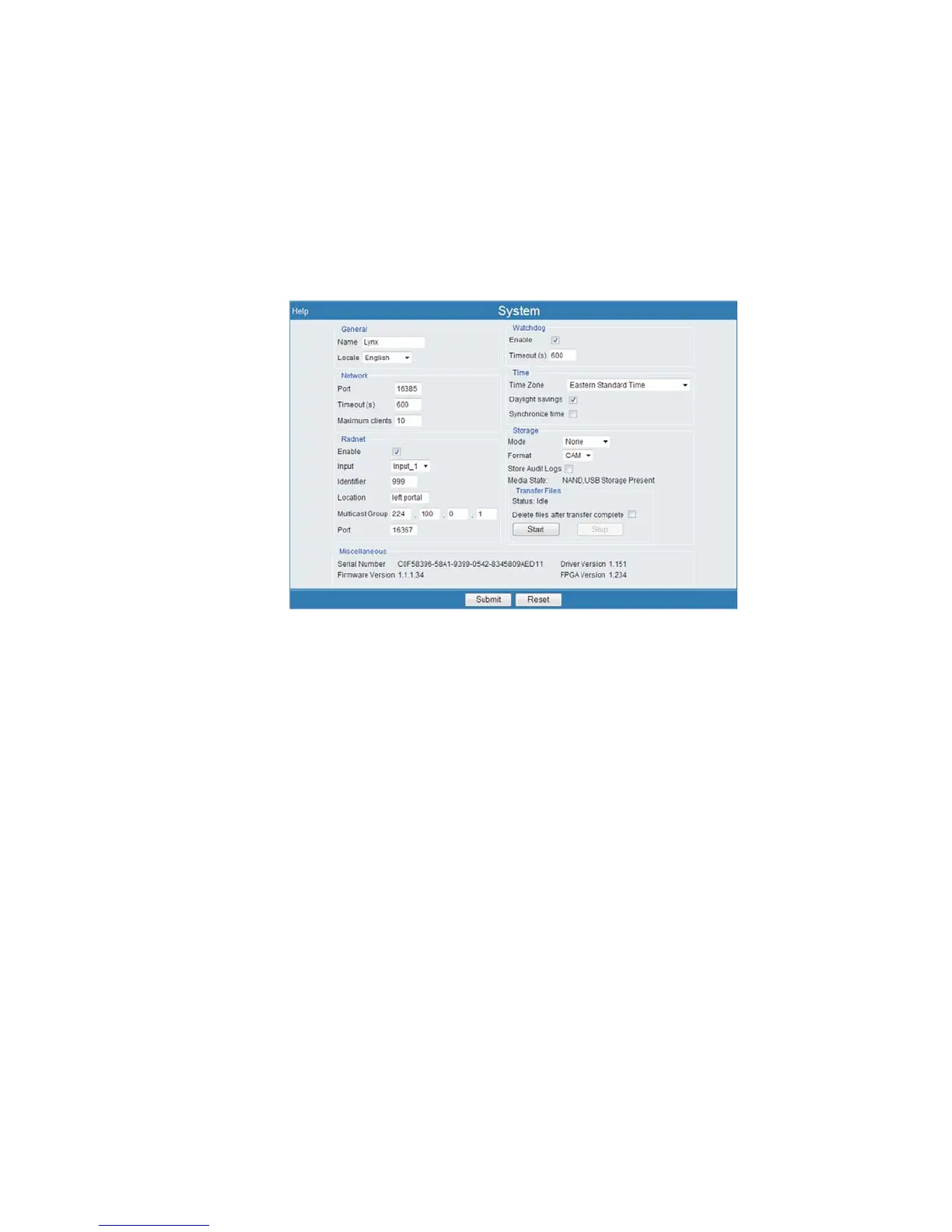
Upon detecting your USB drive, the System Setup page will change to show the
Transfer Files group, shown in Figure 95.
If a formatted USB memory device (also referred to as a memory stick, thumb drive,
etc.) is connected and recognized, the Media State field will indicate USB Storage
Present. The Transfer Files group will appear. Acquisition data may now be saved
to this USB device based on your Storage settings.
Mode
This defines how the data will be stored. The persistent memory may be the Lynx's in
-
ternal NAND Flash, or your USB 'thumb drive', if present.
–
None does not save acquisition data to persistent media. However, data is
temporarily saved to volatile memory when you select the Save hyperlink
or issue the save command.
–
Automatic will store data to persistent media from all inputs operating in
PHA, MCS, or DLFC mode when the acquisition completes or stopped.
–
Manual will store data for the input currently in view within the browser
when you select the Save hyperlink or issue the save command. All data is
stored to the persistent media.
–
Both will save the acquisition data to persistent media when a user presses
the Save link or when an acquisition completes.
Chapter 4 - Web-based Operation System
126 Lynx™ Digital Signal Analyzer
Figure 95 - System page with USB Storage recognized



 To Next Page