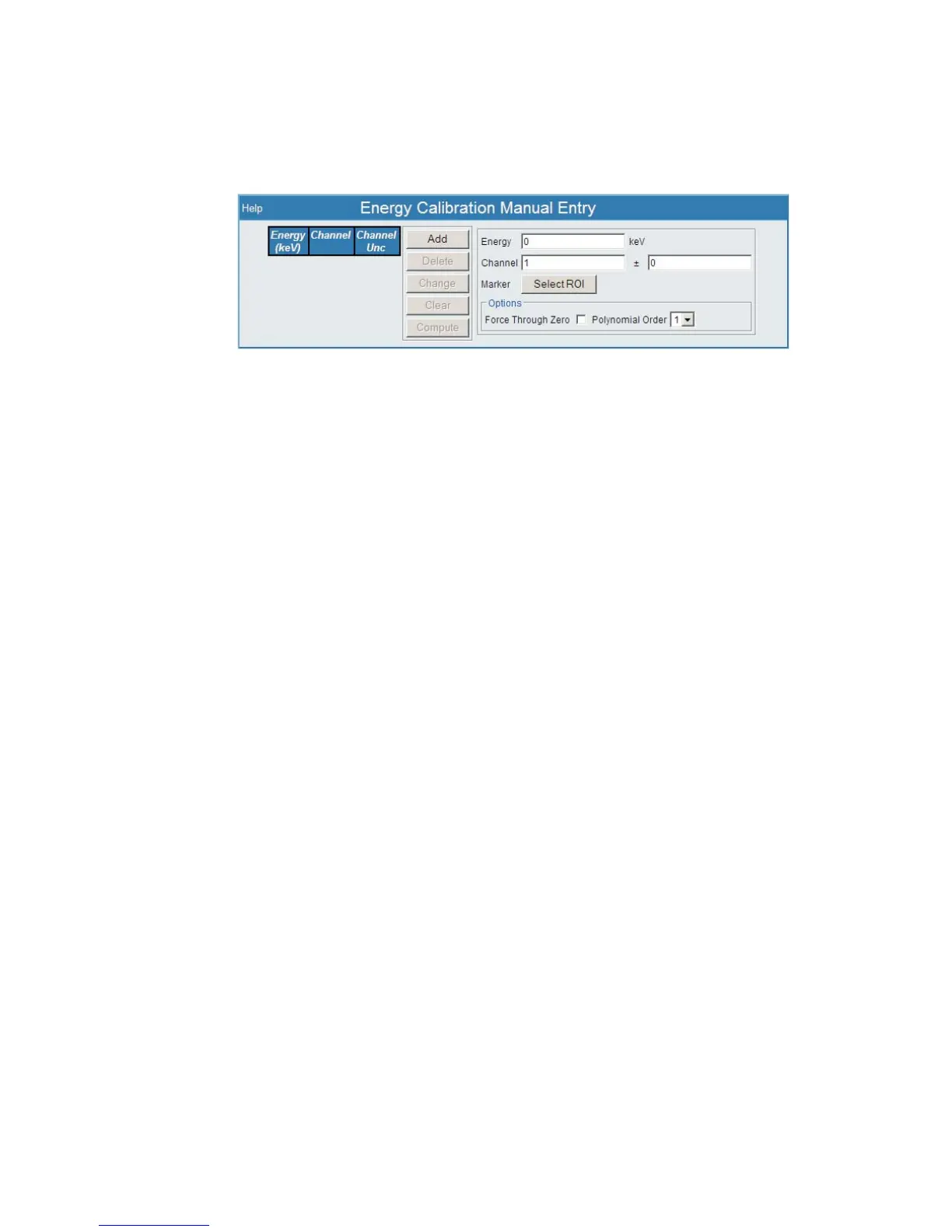
Manual Entry
The Manual Entry area allows you to enter data to compute an energy calibration.
Enter the energy, channel, and channel uncertainty values into each input field. Or you
may select the ROI cursors in the spectral display to select a region to compute the
channel and channel uncertainty of a peak.
The steps for Manual Entry are as follows:
• Select the ROI cursors to identify your peak channels.
• The peaks may be added, deleted, or modified.
• Enter the Energy to be associated with these channels.
• Press Add to enter your settings. Once entered, press Compute and the
calibration coefficients will be determined.
• The results are displayed in the plot and in the entry fields, as well as the
energy equation fields below the plot.
•
Press Submit to commit this calibration.
Note
The centroid is used as the channel value. Press Select to select the ROI and
the fields will automatically be populated.
Press Compute to compute the energy calibration. Once points are added to the table
they can be Modified or Deleted using the associated buttons. Once the calibration
has been computed you will see the coefficients and be able to edit them.
The computational process can be controlled as well. You may force an energy cali
-
bration to go through the origin by checking the Force Through Zero checkbox.
By default the calibration is forced through the origin when there are not enough
points for the specified polynomial order. You can also modify the polynomial order.
Pressing the Submit button will write the coefficients to the device. The Submit Co
-
efficients will also appear in the Energy Coefficients window.
Chapter 4 - Web-based Operation Energy-Channel Entry
130 Lynx™ Digital Signal Analyzer
Figure 98 - Energy-Channel Entry Setup Page



 To Next Page