6.
The System Name for the Lynx was set up previously under the Setup |
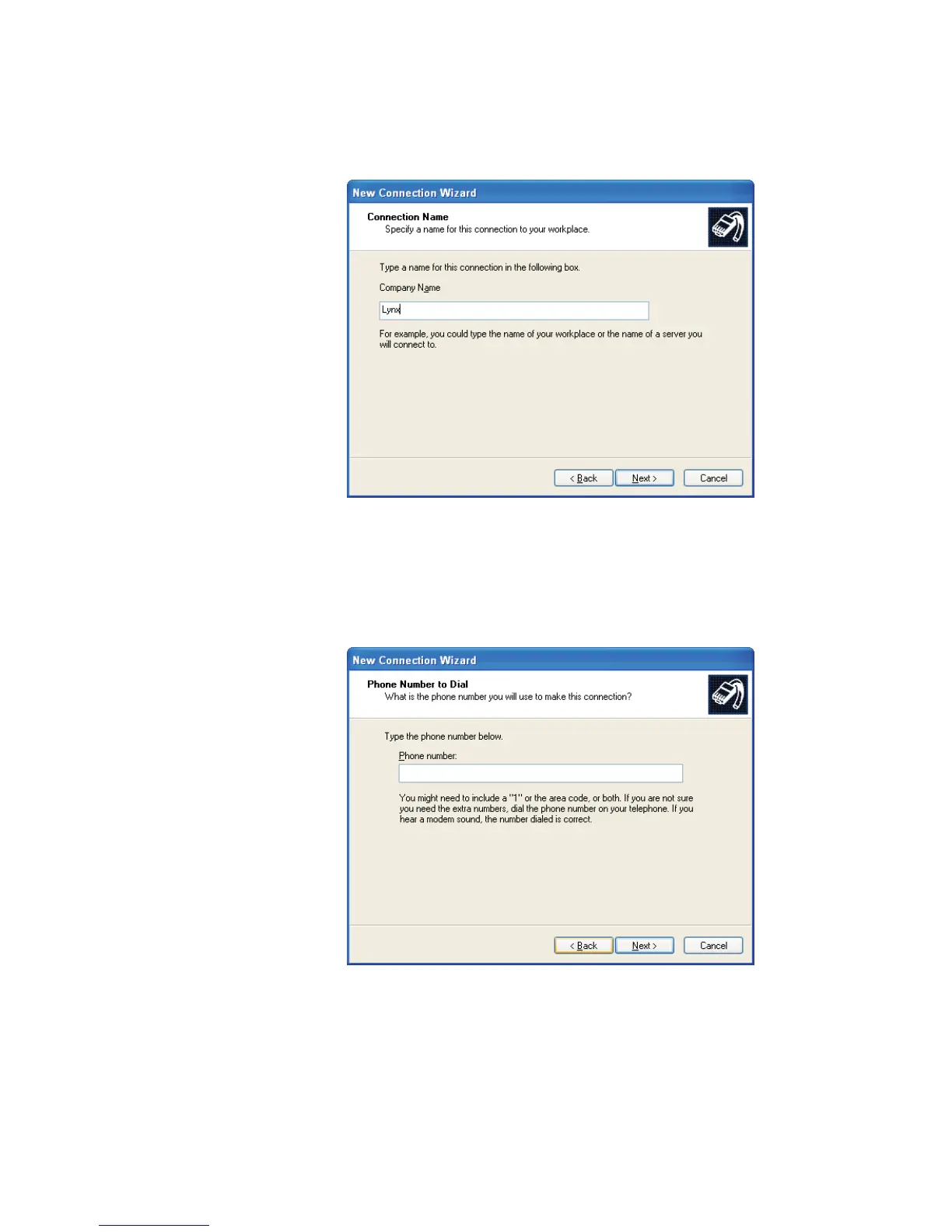
System commands. Enter that name, Lynx (Figure 130), then click Next.
7. Enter the telephone number you'll use to make this connection (Figure 131).
Click Next.
8. If your PC has the “smart card” option, you'll see the screen in Figure 132.
Select 'Do Not Use My Smart Card' and press Next.
User’s Manual 181
RS-232 Connections
Figure 130 - Enter a Name for your Connection via Modem
Figure 131 - Enter Phone Number of the Modem line



 To Next Page