Note
•
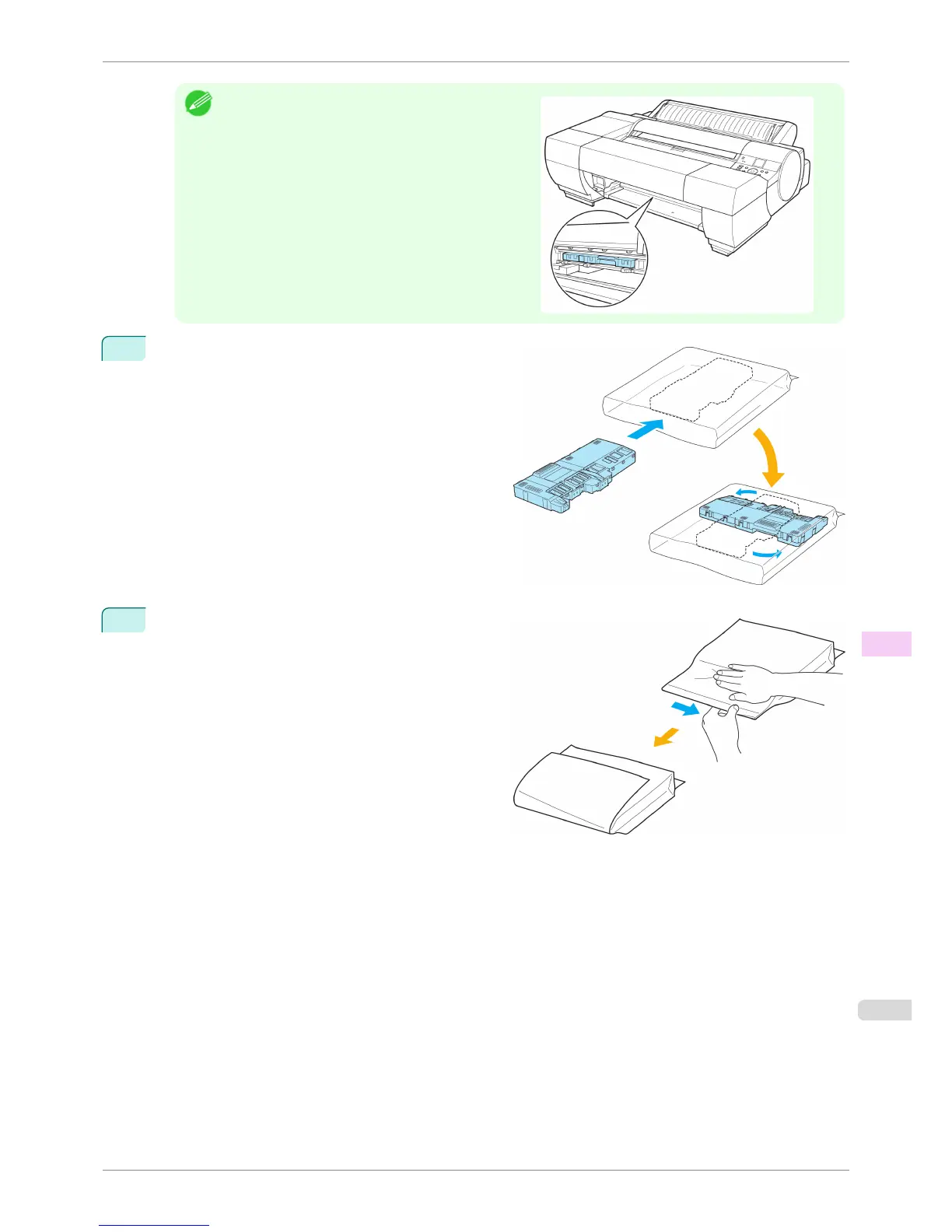
If the printer has a Spectrophotometer Unit, look under
the Spectrophotometer Unit to check the position of the
Maintenance Cartridge before removing it.
4
Keep the used Maintenance Cartridge level as you
put it in the plastic bag that was in the box, as shown.
5
Expel excess air from the plastic bag as you seal the
zipper. Fold the bag in half.
iPF6400S
Replacing the Maintenance Cartridge
User's Guide
Maintenance and Consumables Maintenance Cartridge
835













 To Next Page