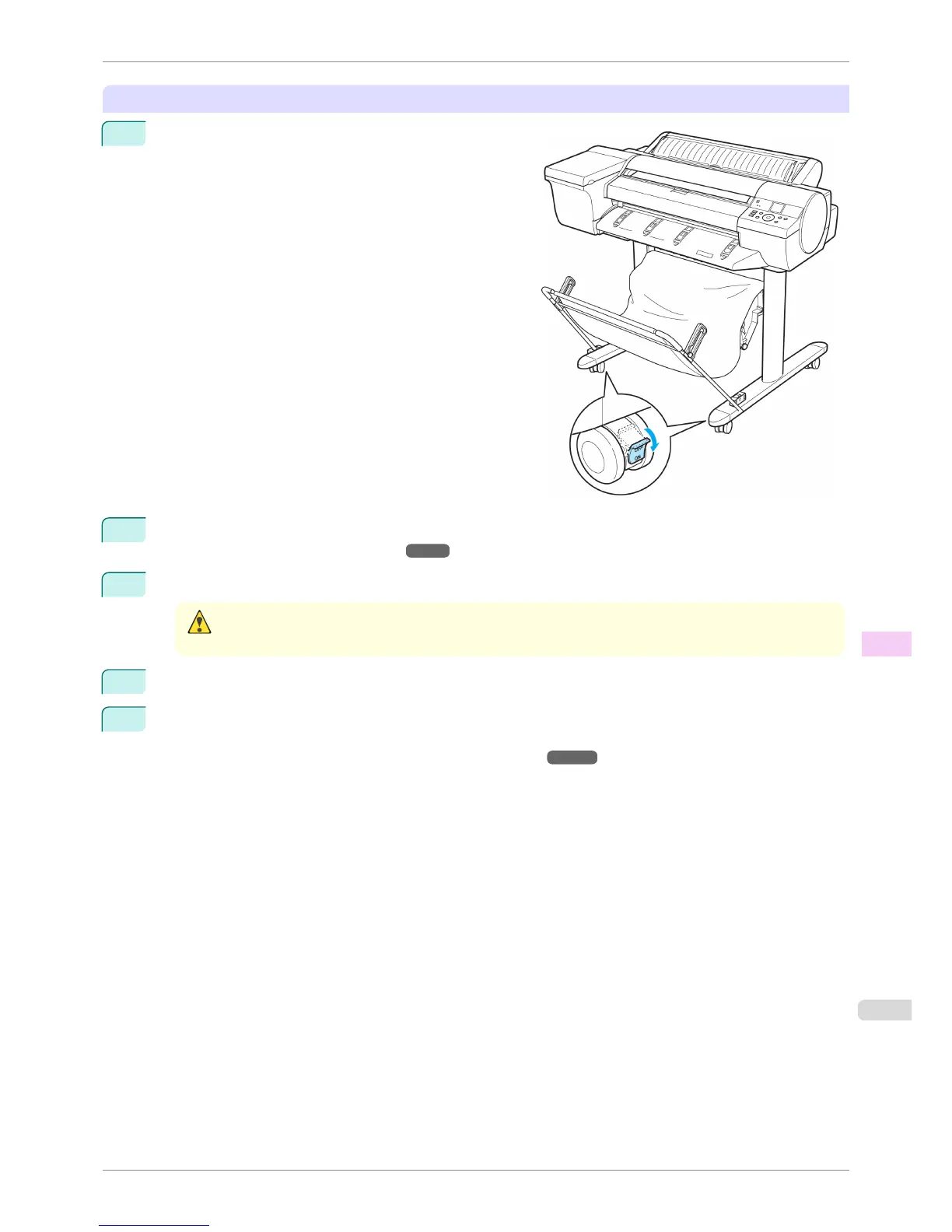
Move with the printer still mounted on the Stand
1
Move the Locking Caster switch on the Stand to ON to
lock the Stand.
2
Turn the printer off.
(See "Turning the Printer On and Off.") ➔ P.21
3
Unplug the power cord from the outlet.
Caution
• Always turn off the printer and unplug the power cord before cleaning or maintenance. Accidentally leaving the
printer on poses a risk of injury if you touch moving parts inside the printer.
4
Disconnect the power cord and interface cable from the printer.
5
If you are using the optional Spectrophotometer Unit, remove the Spectrophotometer Unit from the printer
as needed.
(See "Removing and Attaching the Spectrophotometer Unit.") ➔ P.852
iPF6400S
Carrying the Printer
User's Guide
Maintenance and Consumables Other Maintenance
851













 To Next Page