100 • DM NAX® Product Manual — Doc. 9045M
Install in a Rack
This device occupies 1U of rack space.
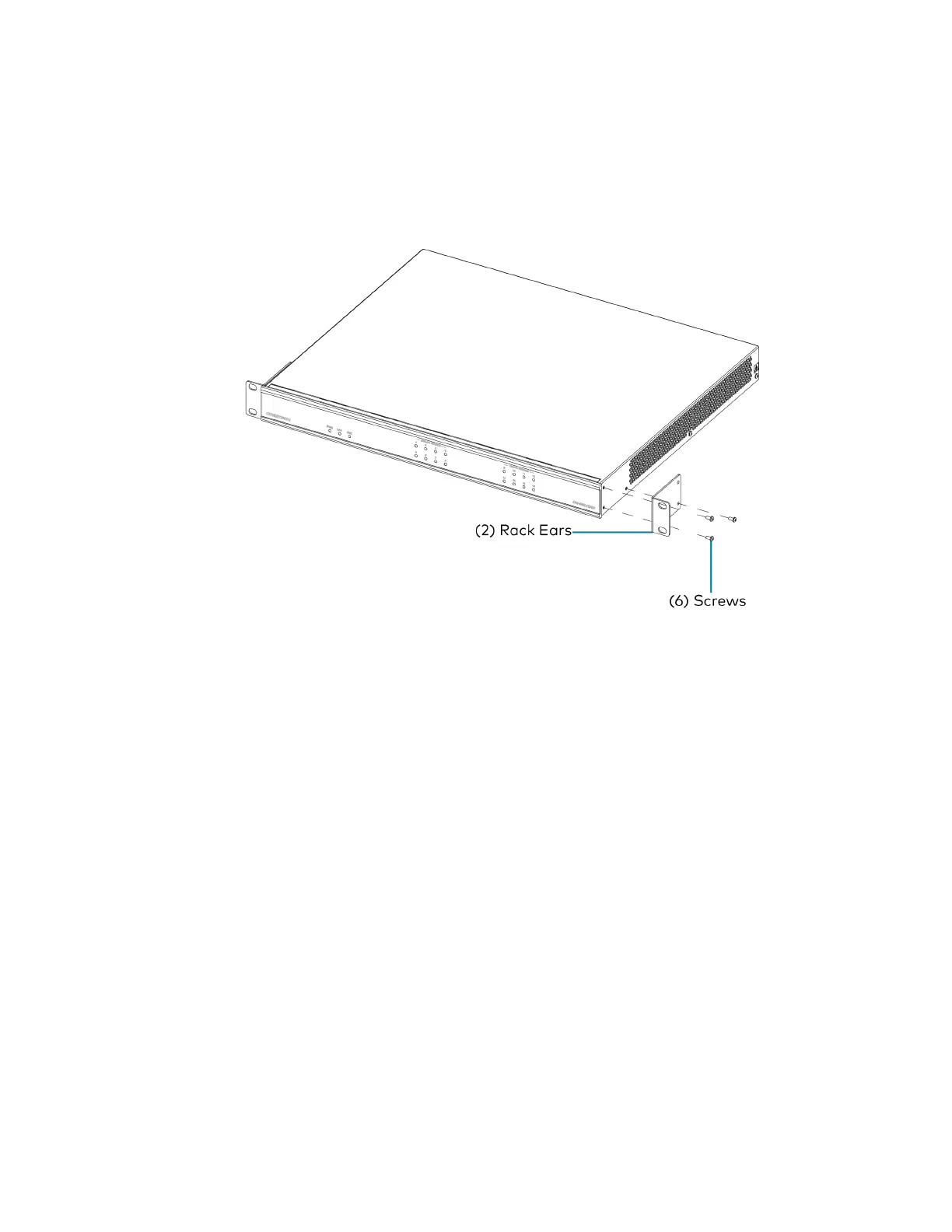
1. Use a Phillips screwdriver (not included) to remove the three screws from each side of the device
as shown in the illustration.
2. Use the screwdriver and the six screws (removed earlier) to attach the included rack ears to the
device.
3. Mount the device into the rack using four rack mounting screws (not included).



 To Next Page
 Loading...









