Product Manual — Doc. 9045M DM NAX® • 264
Upload Configuration
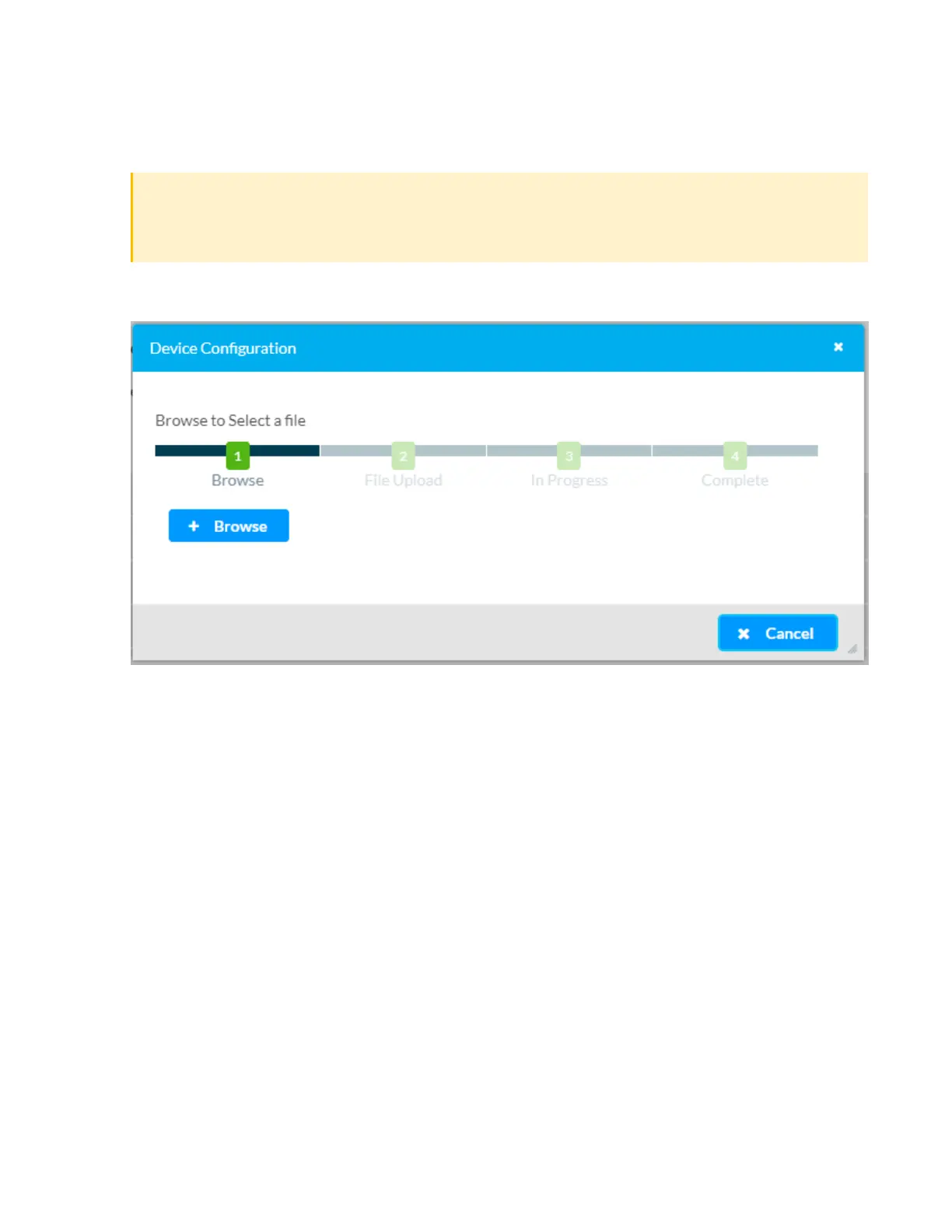
1. Click Upload Configuration to upload a TGZ file that will overwrite the current settings of the
DMNAX device with a saved configuration.
CAUTION: Be sure to load a TGZ file for the same DMNAX device type while using the Load
Configuration feature. For example, if loading a TGZ file to a DM-NAX-4ZSA-50, be sure that
the TGZ file originated from a DM-NAX-4ZSA-50.
2. Click Browse to navigate to the desired TGZ file in your file browser. Double-click the file or
highlight it and click Open.
3. Click Upload to begin the file upload process. A progress bar will indicate the status of the
configuration file upload.



 To Next Page
 Loading...









