Product Manual — Doc. 9045M DM NAX® • 436
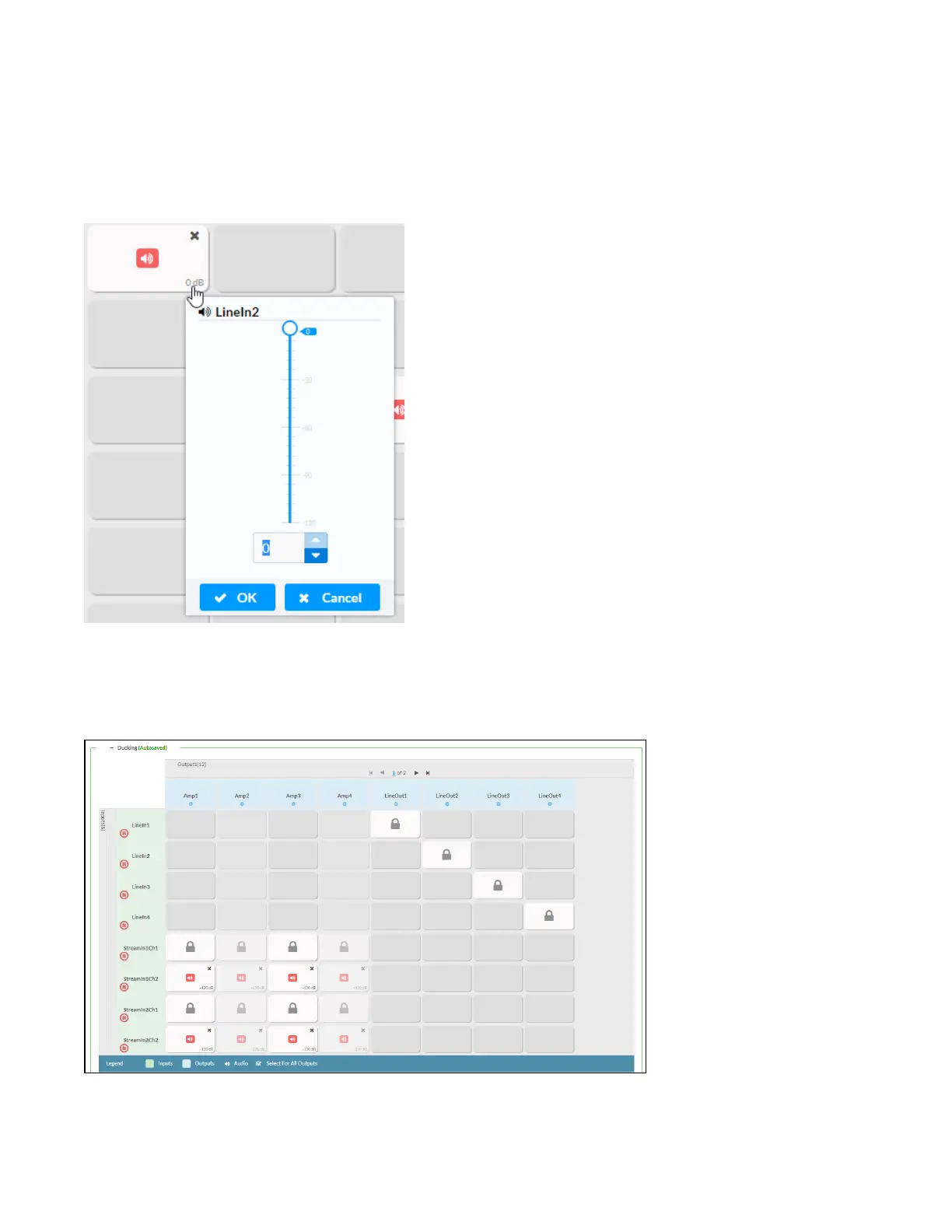
Each output can have any number of inputs routed to it. To adjust the mix setting for a route, click the
dB value of the cell, then do one of the following:
l
Move the slider up to increase or down to decrease the mix level.
l
Click the arrows to increase or decrease the mix level.
l
Manually enter a value in the field.
Ducking
The Ducking matrix is used to configure ducking routes. Audio signals on these routes will duck audio
signals on the Mixing routes for a given output whenever the ducking signal exceeds the ducking
threshold.
To assign inputs as ducking signals for zones on the device:



 To Next Page
 Loading...









