409 • DM NAX® Product Manual — Doc. 9045M
Action
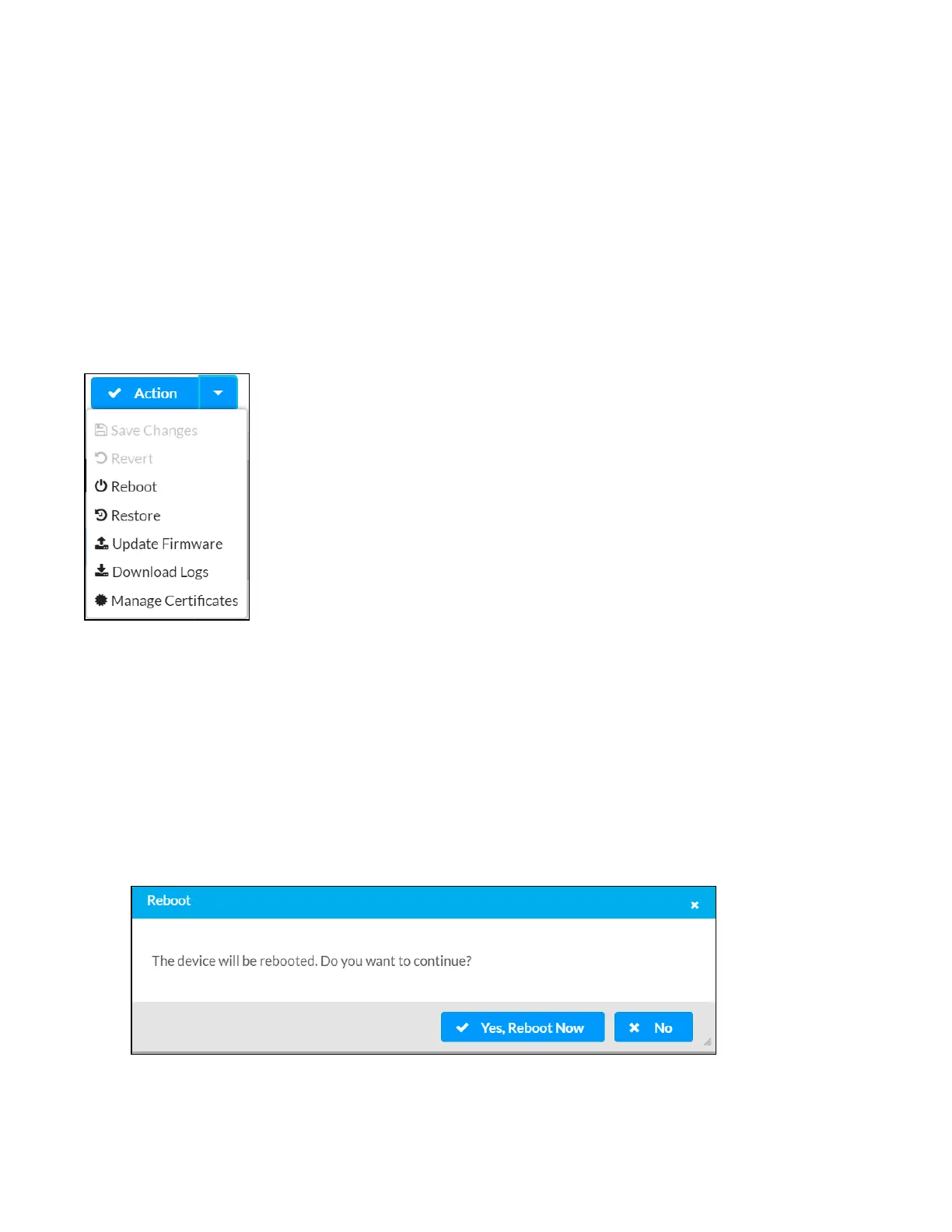
The Action drop-down menu is displayed at the top right side of the interface and provides quick access
to common device functions:
l
Save Changes
l
Revert
l
Reboot
l
Restore
l
Update Firmware
l
Download Logs
l
Manage Certificates
Save Changes
Click Save Changes to save any changes made to the configuration settings.
Revert
Click Revert to revert the device back to the last saved configuration settings.
Reboot the DM-NAX-AMP-X300
Certain changes to the settings may require the DM-NAX-AMP-X300 to be rebooted to take effect. To
reboot the device, do the following:
1. Click Reboot in the Actions drop-down menu. The Confirmation message box appears.



 To Next Page
 Loading...









