557 • DM NAX® Product Manual — Doc. 9045M
System Setup
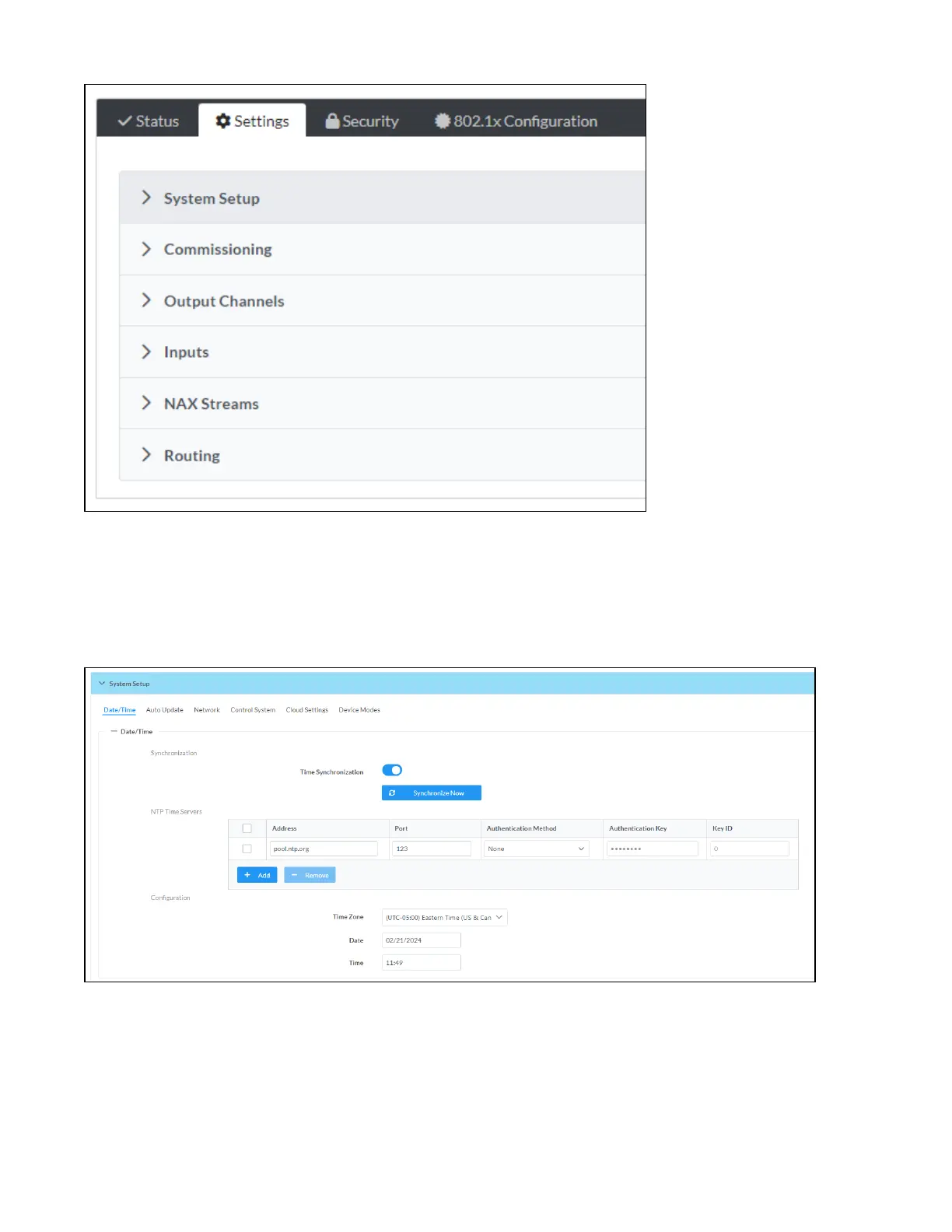
The System Setup section displays information about the Date/Time, Auto Update, Network, Control
System, Cloud Settings, and Device Modes.
Date/Time
Use the Date/Time section to configure the date and time settings of the DM-NAX-AUD-USB.
Time Synchronization
1. Set the Time Synchronization toggle to the right position to enable or left position to disable time
synchronization. By default, time synchronization is enabled.



 To Next Page
 Loading...









