447 • DM NAX® Product Manual — Doc. 9045M
l
Move the Balance slider to the right to shift the stereo balance to the right channel or to the left
to shift the balance to the left.
l
Click the arrows to adjust the balance left or right. The up arrow shifts the balance to the right
while the down arrow shifts the balance to the left.
l
Manually enter a value in the Balance field. Values range from -50 to 50, adjustable in increments
of 1. Positive values shift the balance to the right while negative values shift the balance to the
left.
Delay
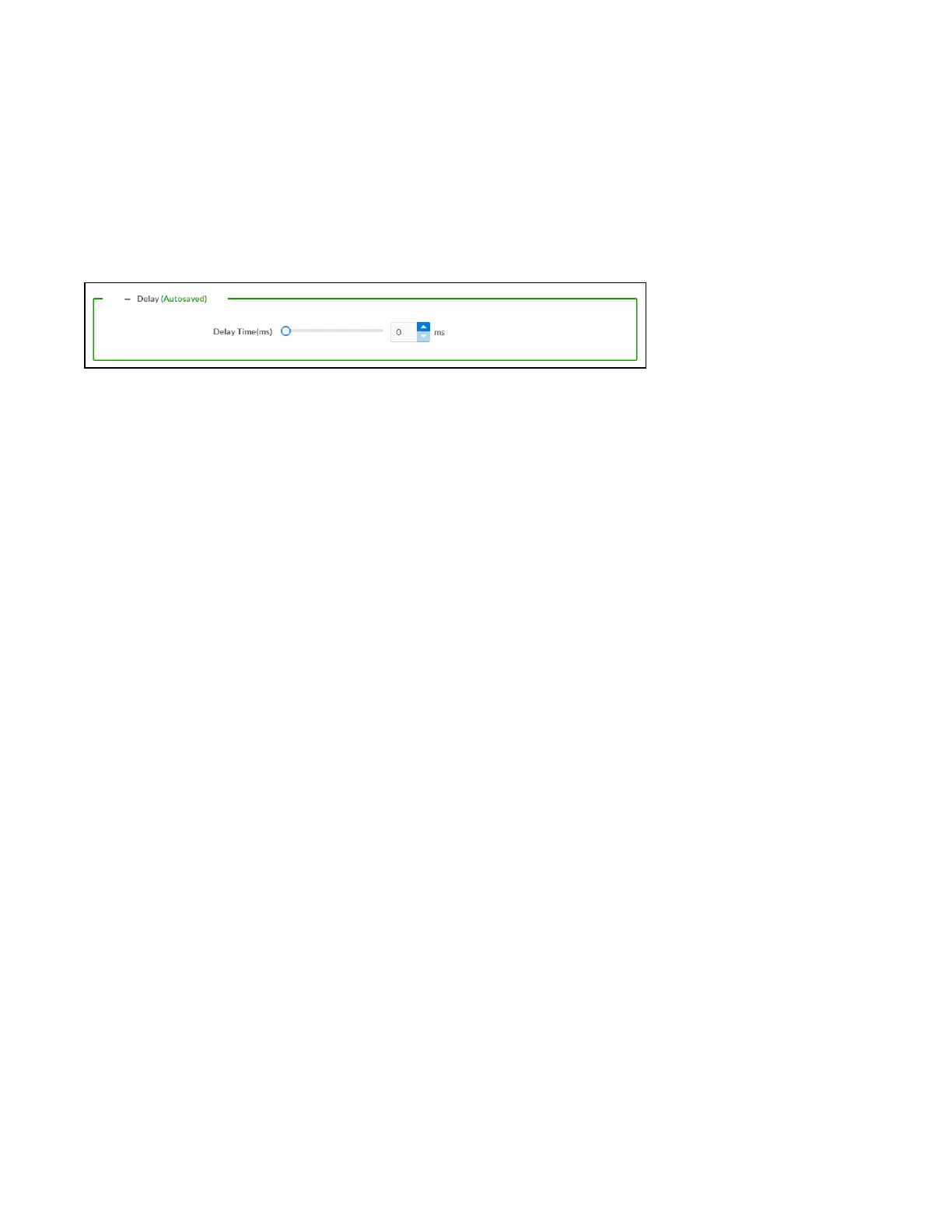
To set the delay, do one of the following:
l
Move the Delay Time(ms) slider to the right to increase or to the left to decrease the delay time.
l
Click the ms arrows to increase or decrease the delay. Values range from 0ms to 250ms,
adjustable in increments of 1ms.
l
Manually enter a value in the Delay Time(ms) field.
Output
Click Output to access the settings for Minimum/Maximum Volume, Stereo/Mono, Signal, Bussing
Volume Offset, Speaker Configuration, Speaker/Faults, Line Out, Signal Generator, and Equalizer
Settings.



 To Next Page
 Loading...









