Product Manual — Doc. 9045M DM NAX® • 590
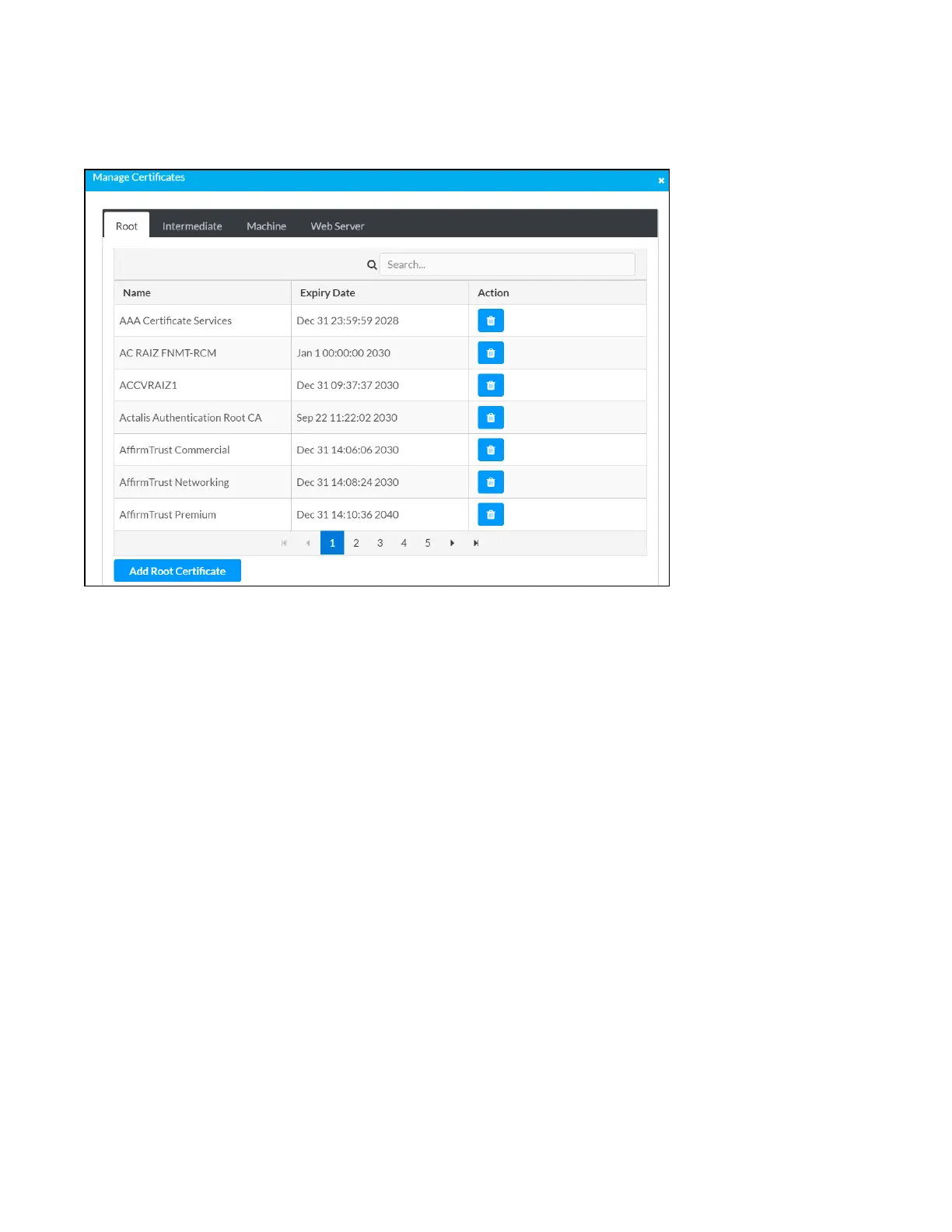
Manage Certificates
Use the Manage Certificates dialog to add, remove, and manage certificates used in 802.1x and other
protected networks.
1. Click Manage Certificates in the Actions drop-down menu. The following certificate tabs are
displayed:
l
Root: The Root certificate is used by the DM-NAX-BTIO-1G to validate the network's
authentication server. The DM-NAX-BTIO-1G has a variety of Root certificates, self-signed
by trusted CAs (Certificate Authorities) preloaded into the device. Root certificates must be
self-signed.
l
Intermediate: The Intermediate store holds non self-signed certificates that are used to
validate the authentication server. These certificates will be provided by the network
administrator if the network does not use self-signed Root certificates.
l
Machine: The machine certificate is an encrypted PFX file that is used by the authentication
server to validate the identity of the DM-NAX-BTIO-1G. The machine certificate will be
provided by the network administrator, along with the certificate password. For 802.1x,
only one machine certificate can reside on the device.
l
Web Server: The Web Server certificate is a digital file that contains information about the
identity of the web server.



 To Next Page
 Loading...









