EN
>> quick start >> 05
!
Reset all settings – RESET
To return the computer to it’s original position, press the function
key ST/SP for 4 seconds until you hear the peep tone and the
original values are displayed.
Quick start
Press the function key ST/SP. The computer will sound a beep tone and start
with the preset values for program 1 (Manual Program).
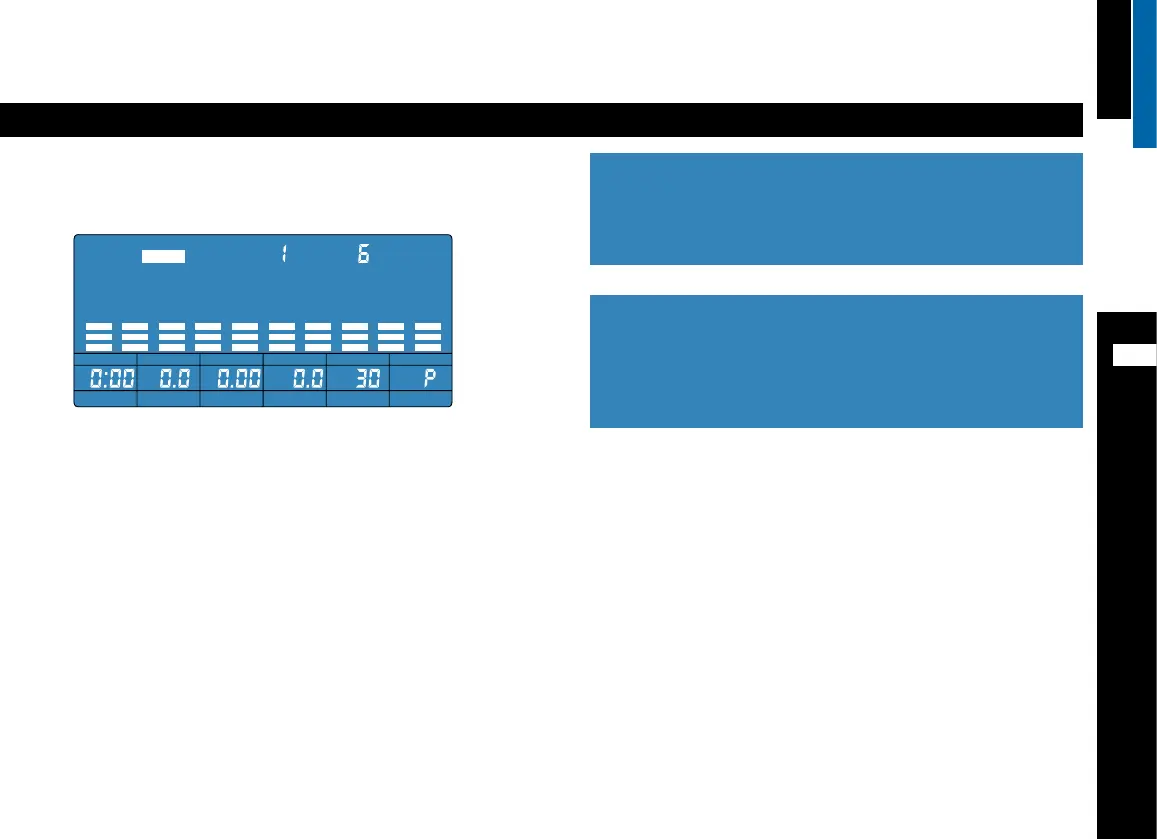
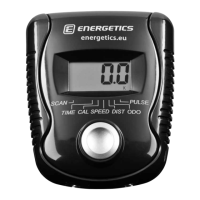
Start to pedal. The display shows the workout time (TIME), the cadence
(RPM), the total kilometres travelled (ODO), the output (WATT)*, the target
heart rate (TARGET HR) and the current heart rate if the hand pulse sensors
are held (HEART RATE).
Note: At this point the target heart rate has not yet been individually calcu-
lated. Begin your workout and follow the additional instructions.
Turning the selection button will adjust the resistance. The control panel will
show the current resistance level (LEVEL 1 – 16).
Start the workout, select a program, input individual settings
To start your proper training and input your individual settings, end this pro-
gram with RESET. Carefully read this manual and select the desired program.
!
* Unit specic note:
The watt display as indicator of the output is not available on all
units. Your E-204 possibly does not have this feature and only
displays calories used (CAL) as identication of the output. The
manufacturer excludes customer claims concerning this matter.
STOP PROGRAM
LEVEL
TIME SPEED
KPH AGE
DIST CAL
HEART RATE



 To Next Page