5. Adding, Patching and Managing Fixtures 131
Cloning Universes
Cloning a Universe will copies all of the fixture patch points and associated with the selected
universe to another universe.
To clone the patching of one universe to another:
1. Setu p → Patch → Universe Vie w : open the Fixture window in Universe View.
2. Select the universe to clone by clicking on the column in the spreadsheet. The selected
universe is highlighted in blue.
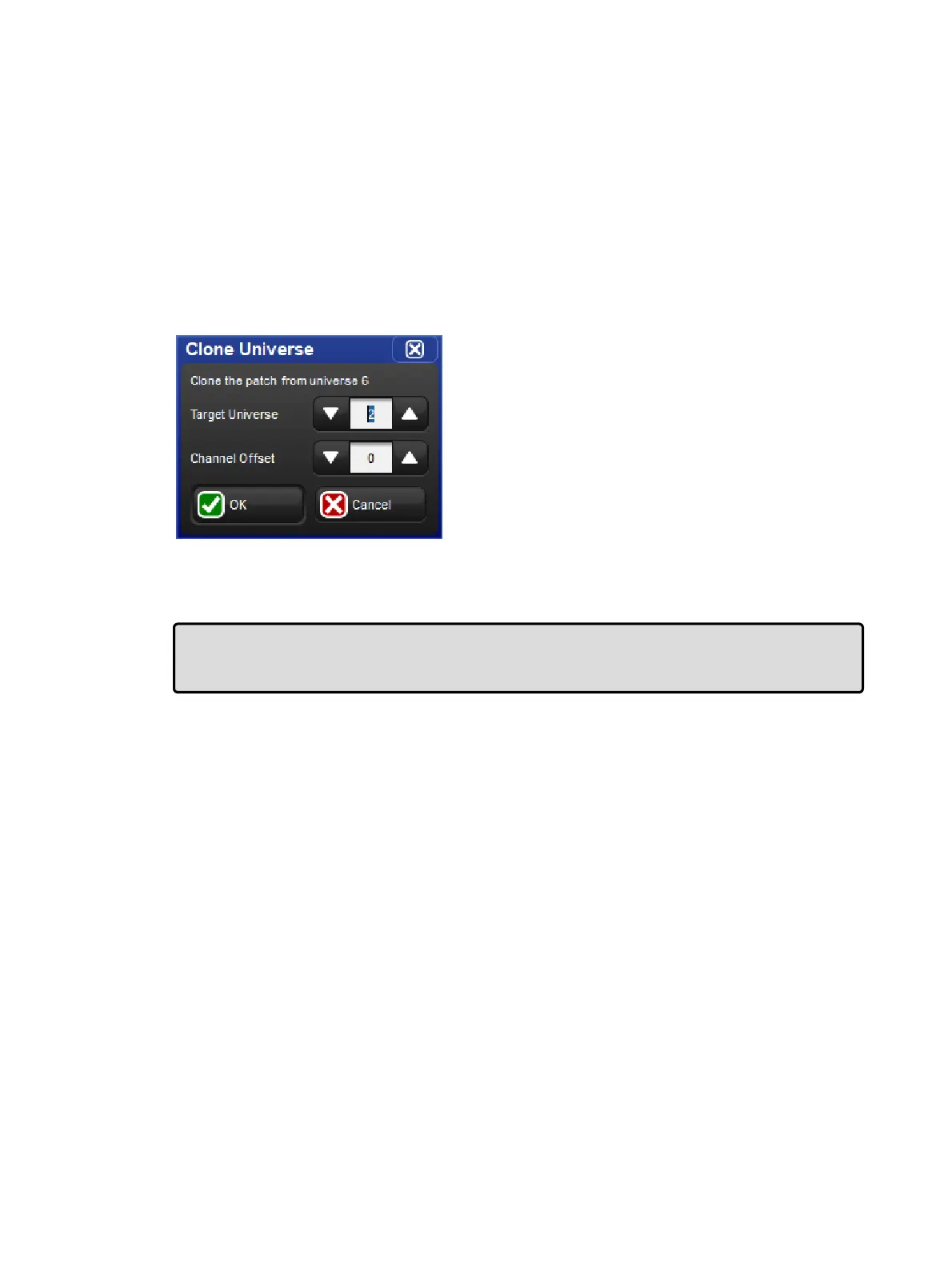
3. Press Clone Universe. The Clone Universe window will open
4. Select a destination universe. Click on OK when you have finished.
The clone universe
If cloning will overwrite patch information in the destination, you will be asked for
confirmation. The console will only unpatch previous fixtures that are in the way of new ones;
the rest of the destination universe will be untouched.
Tip: You can also move patching from one universe to another by cloning the patch to the
new universe, and then unpatching the old universe; see Unpatching Fixtures from DMX
Channels.
Unpatching Fixtures from DMX Channels
You can unpatch a fixture in order to re-patch it with a different start address, or to stop
output being sent to it. Unpatching does not erase any programming for the fixture in groups,
palettes, cues and so on.
There are two ways to unpatch. Unpatching by fixture removes all patching information for
that fixture, even if it has been patched to several start addresses or has multiple patch
points. Unpatching by start address only unpatch a specific start address, leaving other start
addresses associated with the fixture intact.
Unpatching by Fixture
To unpatch all patch information associated with a fixture:
1. Setu p → Patch : open the Fixture window.
2. Select the fixture by clicking on it, then press Unpatch at the top of the Fixture
window. This un-patches the fixture, but leaves all programming for the fixture intact.











 To Next Page