6. Selecting and Modifying Fixture Parameters 167
6.3.7 Touching Parameters
When you start to record your programming as cues you will find that only the parameters that
you have assigned values to are stored; these are known as ‘Hard Values’. This is important
because in cuelists values track through until they are changed, and this allows different
playbacks to interact to create a single onstage look. For a complete explanation of tracking,
see Tracking.
However you will sometimes want to ensure that a value is stored at its current value in a cue
or palette. To do this you can Touch it:
To touch all parameters of the current selection simply press the Touch key on the Main
Toolbar.
To touch only the parameters of a particular kind, press the appropriate parameter type
key followed by Touch. For example: Positio n Touch : touches all position
parameters of the selected fixtures.
To touch a single parameter you can hold the Touch button while moving that
parameter's wheel slightly. The current value will be touched without modification from
the parameter wheel.
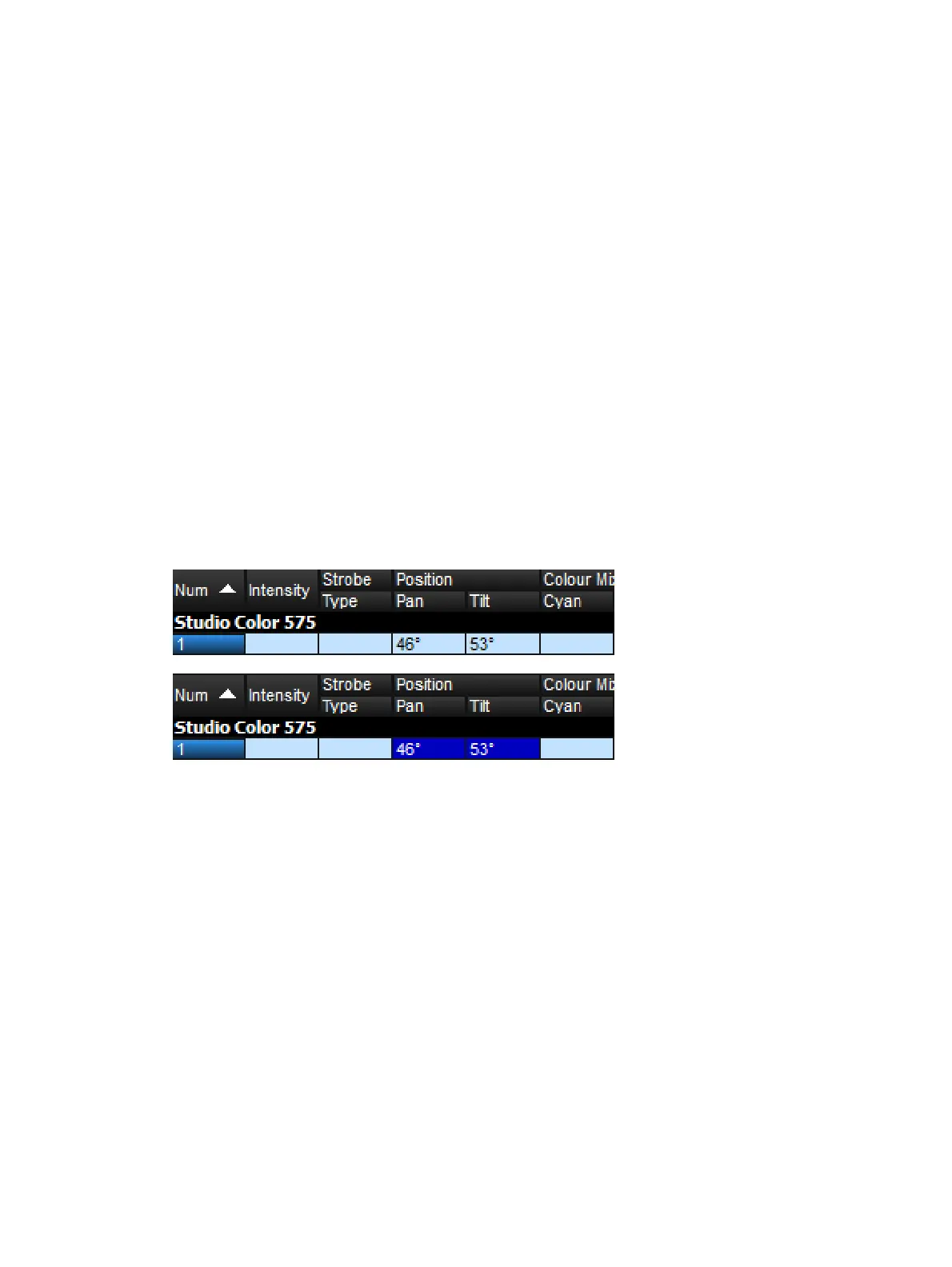
Untouched values appear in the editor with a white background. Once you have touched
parameter values they are available for recording in the same way as any value that you have
assigned. They are shown with a blue background, indicating that they have been modified:
Parameters before and after Touching











 To Next Page